This task can be performed using Inflowave
Make every client easier to manage than the last.
Best product for this task

Inflowave
tech
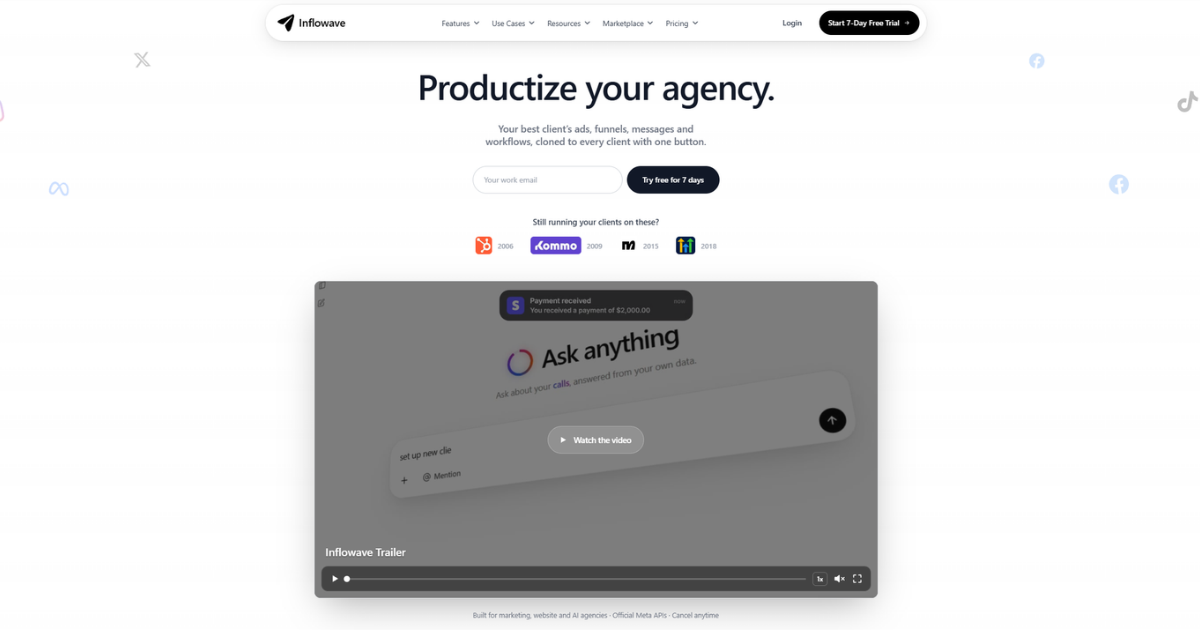
Inflowave helps marketing agencies manage clients, automate repetitive work, and reuse successful sales and marketing systems across their entire client portfolio.
If your agency manages leads in separate spreadsheets, inboxes, and CRMs, follow-up becomes inconsistent as your client list grows. This guide shows how to set up an agency CRM with marketing automation, apply it to a real client workflow, and verify that leads are captured, qualified, booked, and followed up without manual chasing.
Prepare one repeatable client workflow
Before building automations, define the minimum process every client needs:
- Capture a lead from a form, landing page, ad, or conversation.
- Record the lead in the correct client workspace.
- Qualify the lead using a few clear fields.
- Assign an owner and pipeline stage.
- Offer an appointment.
- Send reminders and follow-up messages.
- Record the outcome.
This structure is the foundation of effective agency lead management software. It also helps you compare a shared system with separate tools for each account.
For example, imagine a marketing agency managing a dental clinic. A new form submission should enter the clinic’s workspace, receive a “New inquiry” stage, and trigger a text or email asking about the requested service. The deciding factor among tech products is whether they support this exact workflow.
Create these prerequisites:
- A dedicated workspace for each client
- Required contact fields, such as service interest and lead source
- Pipeline stages that match the client’s sales process
- Message templates approved by the client
- Appointment availability and an assigned team member
Build a separate pipeline for each client
Use a CRM that keeps contacts, conversations, appointments, and workflows separated by client. Inflowave provides dedicated client workspaces, which supports lead management for multiple client accounts without combining records accidentally.
Create stages such as:
- New inquiry
- Qualified
- Appointment offered
- Appointment booked
- No response
- Won or lost
Avoid copying the same stages blindly. A real estate client may need “Viewing scheduled,” while a home services client may need “Estimate sent.” Reuse the structure, then adapt the labels.
Inflowave also supports visual workflows, so an agency can connect pipeline changes to actions. This makes it useful when choosing between standalone tools and workflow automation products for agency operations.
Automate qualification, booking, and follow-up
Now connect each pipeline stage to a specific action.
For the dental clinic example:
- New inquiry: Send an immediate confirmation message.
- Qualification: Ask whether the person needs cleaning, cosmetic treatment, or an urgent visit.
- Qualified: Assign the conversation to the clinic team.
- Appointment offered: Send a booking link or available times.
- Appointment booked: Send confirmation and reminder messages.
- No response: Send a short follow-up after a reasonable delay.
- Completed appointment: Move the lead to the outcome stage.
This is practical automated lead qualification for agencies because the same decision logic can be adapted for other accounts. Keep questions short, and route uncertain answers to a person rather than forcing an automated decision.
For appointment-based clients, use agency appointment booking and CRM software that keeps booking activity connected to the contact record. Automated appointment reminders for agency clients should include the date, time, location or meeting method, and a simple rescheduling option.
Inflowave can centralize conversations across supported channels, including email, SMS, Instagram, Facebook, and WhatsApp. That gives the team one place to check replies before sending the next automated message.
Test the workflow and verify the result
Do not publish the automation immediately across every account. Test one client first.
- Submit a test lead through the real form.
- Confirm it entered the correct workspace.
- Check that the right pipeline stage was applied.
- Verify the qualification message and assignment.
- Book a test appointment.
- Confirm reminders use the correct client details.
- Reply as the lead and check that automation stops or routes correctly.
- Test a no-response path.
More topics related to Inflowave
Similar topics
- How to reuse successful marketing systems across multiple client accounts?
- How to automate client onboarding workflows for a marketing agency?
- Automate Recurring Client Reporting Across Marketing Agency Accounts
- Marketing Agency Client Management Software Alternatives to Spreadsheets
- How to choose a CRM for managing multiple agency clients

