This task can be performed using Easychatdesk
Live chat software and customer support tool
Best product for this task

Easychatdesk
productivity
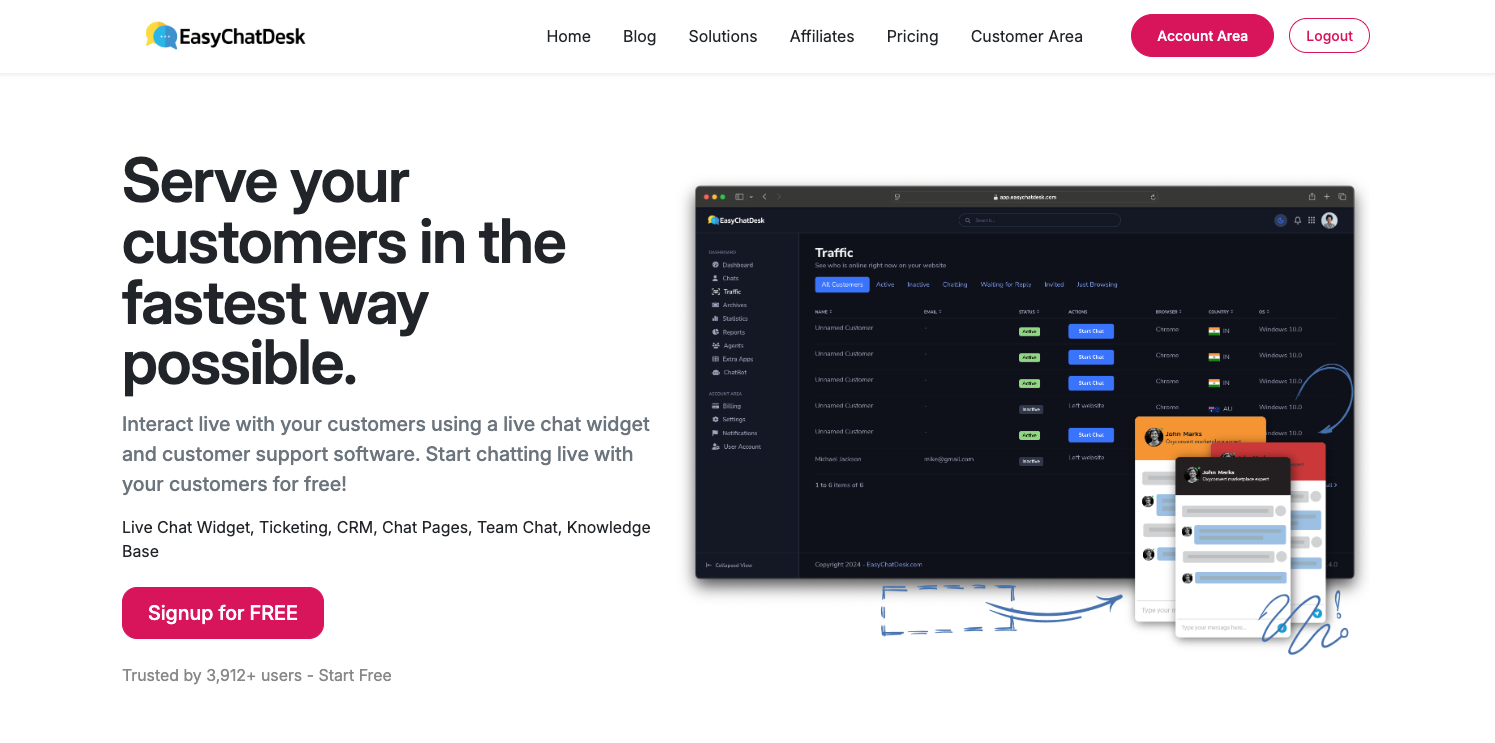
A free live chat widget for your website, easy to use, and a customer support tool for small businesses. CRM ticketing features included
What to expect from an ideal product
- Sign up for a free easychatdesk account and grab your unique widget code
- Copy and paste the widget code into your website's footer or sidebar area
- Customize the chat widget colors and text to match your website's design
- Download the mobile app to answer customer chats from anywhere
- Set up automated welcome messages and away responses for after-hours support

