Spotlight on Pika Code Screenshots
Pika Code Screenshots
Create beautiful, customizable screenshots from code snippets and VSCode using the extension.
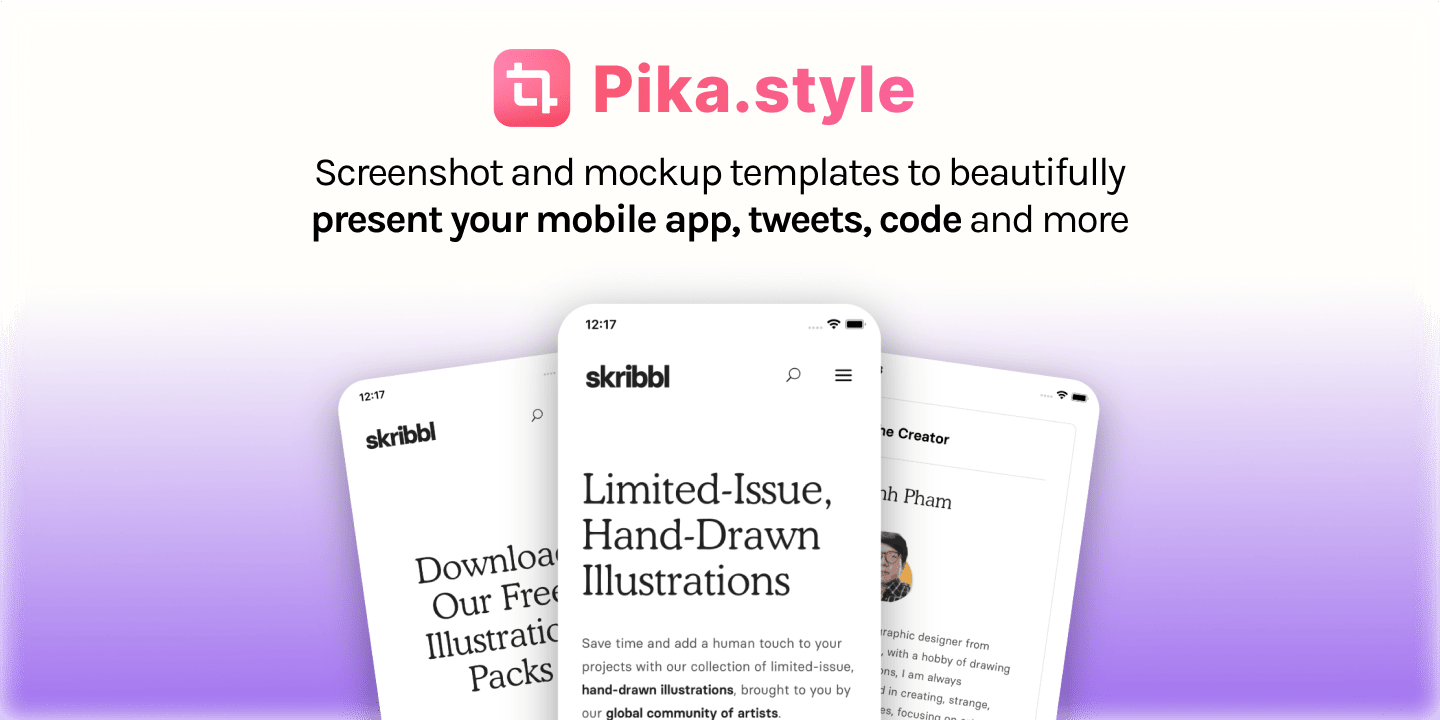
Pika: Code Screenshot Generator
Unique Selling Proposition
Pika is a web app that helps you design beautiful screenshots and website mockups instantly and easily.
Features
- Free size
- Syntax highlighting
- 20+ languages support
- Browser frames
- Beautiful backgrounds
- Custom presets
- Social media ready sizes
- Background patterns
- Website screenshot capture
- Shapes, text, and watermark layers
- Instant customization
- Chrome, VSCode, and Raycast extensions
How It Works
- Add your code snippet
- Customize your image
- Export your image
More Information
- Free to use with paid features available
- Templates for specific use cases and sizes
- No account required for basic use
- Images are processed locally in the browser
- Pika Pro subscription for advanced features
FAQ
Q: What is Pika? A: Pika is a web app to help you design beautiful screenshots and website mockups instantly and easily.
Q: Is Pika free to use? A: Yes, Pika is absolutely free to use. There are certain features and mockup templates which are available with a paid subscription.
Q: What are Pika templates? A: Pika templates lets you design mockups and images for specific use cases and sizes quickly and easily.
Q: Can I customize templates? A: Yes, each template comes with set of customizations like background, shadow and more.
Q: Do I need to create an account to use Pika? A: No. You only need to create an account if you want to unlock paid features.
Q: Does Pika save my images on server? A: No, your image is never sent to or stored on any server. All the processing happens locally and in your browser.
Q: How does Pika make generating screenshots fast? A: Pika saves all your customizations in your browser and automatically uses them when you design a new screenshot.
Q: What is Pika Pro? A: Pika Pro is a paid subscription to unlock some features (indicated by ⚡️) like tilting, watermark, background images and more.
Discover Alternatives to Pika Code Screenshots
Featured Today


tiun
Payments backend for indie hackers
All-in-one: Auth, payments & DB
Single command: MCP, Skills
Built for developers.
Merchant of Record. Better fees.
Join the Microlaunch builder community
Get product updates, weekly standouts, and founder deals.