SpeakShift Reviews — Discover what people think of this product.

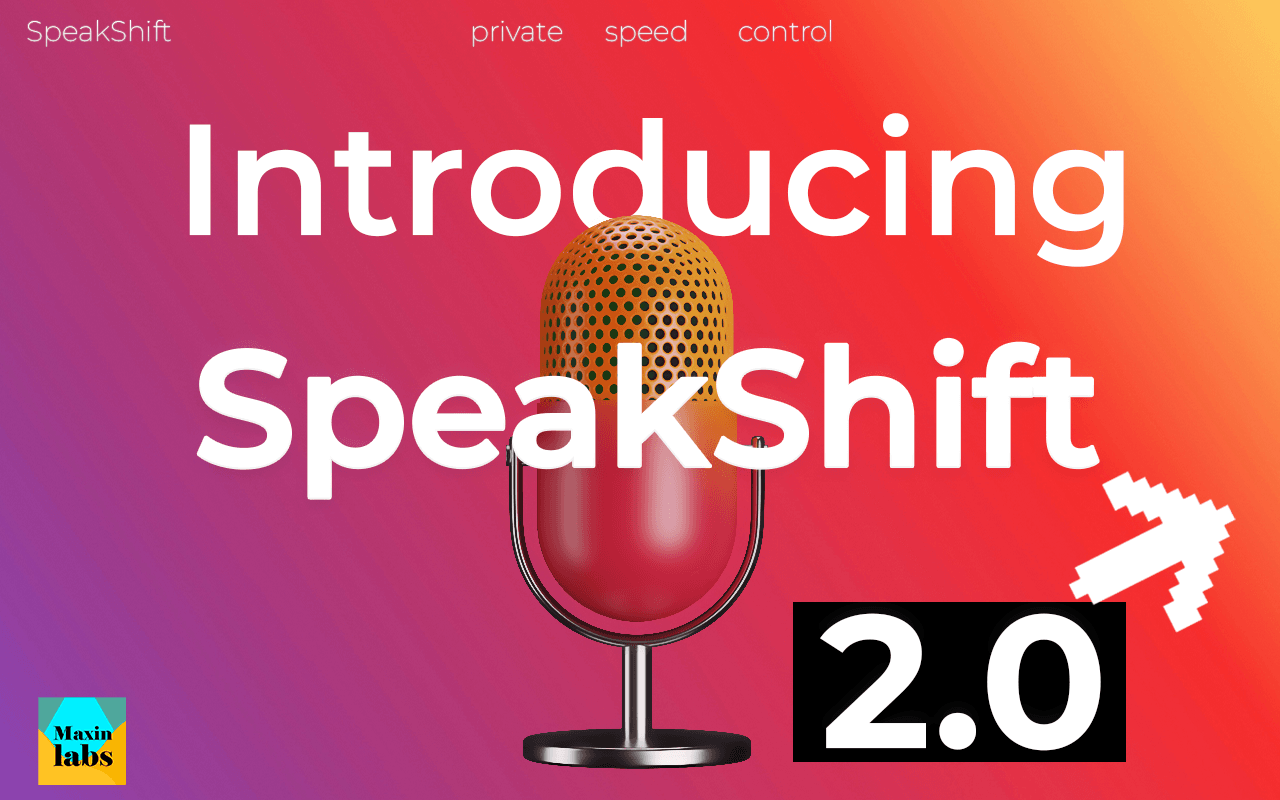
SpeakShift
Private, local-first desktop studio for media conversion, transcription, diarization, translation, and powerful batch workflows.
- supporters
What does SpeakShift help with?
🎙️ SpeakShift
Private, local-first desktop studio for media conversion, transcription, diarization, translation, and powerful batch workflows.
Tired of uploading sensitive audio/video to the cloud? Slow speeds, recurring fees, and privacy risks?
SpeakShift keeps everything on your machine. Run professional-grade media workflows locally with zero data leaving your computer.
Built with Tauri + Rust backend and a modern Next.js UI, SpeakShift combines FFmpeg-powered conversion, Whisper transcription, speaker diarization, NLLB translation, and batch processing into one seamless offline studio.
Why Creators & Teams Choose SpeakShift
100% Local Processing — No cloud uploads. Perfect for interviews, podcasts, client work, research, or compliance-sensitive media.
True Offline Pro License — Buy once, activate permanently on your machine with signed offline keys. No subscriptions.
Cross-Platform — Works on Windows, Linux, and macOS (Apple Silicon optimized).
Production-Ready Exports — SRT, VTT, TXT, JSON, CSV, MD, PDF, DOCX — ready for editors, subtitlers, and localization teams.
Core Features
Convert
Drag & drop video/audio conversion with full FFmpeg control
Output formats: MP4, WebM, MOV, MP3, WAV, AAC
Quality presets, resolution scaling, aspect ratio presets (9:16, 1:1, etc.)
Visual filters (brightness, contrast, saturation, grayscale, vignette) + audio controls (volume, denoise, dehummer)
Creative text/emoji overlays
Transcribe
Local Whisper transcription (tiny → large-v3-turbo models)
Supports almost any audio/video format
File, folder, YouTube URL, or live microphone recording
Waveform playback, timeline scrubbing, and searchable transcripts
Export to SRT, VTT, TXT, JSON, CSV, MD
Speaker Diarization (Pro)
Speaker separation of upto 4 Speakers with Multilingual Support with Sortformer / Parakeet models
Rename speakers, edit turns, and export speaker-aware subtitles
Translation (Pro)
Chunked NLLB-based translation directly in the app
Edit translated text and export in subtitle/document formats
Batch Processing (Pro)
Process entire folders, ZIP archives, or lists of YouTube/Drive links
Queue management, RAM-aware safety checks, configurable parallelism
Ideal for long-form content, podcast seasons, or agency workflows
Library & Workflow
Saved transcriptions with search, sort, and inline editing
Detailed views with synced waveform + speaker timeline
One-click exports for your editor or localization pipeline
Free vs Pro
Free — Full access to Convert, basic Transcription, library, settings, and profile.
Pro (one-time purchase) unlocks:
Batch transcription & processing
Speaker diarization workflows
Translation workflows
Advanced exports (PDF, DOCX, etc.)
Pro activates offline with a signed license — no account or internet required after activation.
Who It's For
Podcasters & interview editors needing clean transcripts + speaker separation
Video creators and agencies producing subtitles and localized content
Journalists, researchers, and compliance-sensitive teams
Anyone who wants powerful media tools without cloud dependency or monthly fees
System Requirements (Recommended):
4+ logical cores, 16–32 GB RAM (for larger models and batch runs)
SSD with 20+ GB free
Works great on Windows, Linux, and macOS (Apple Silicon)
All core processing happens locally using sidecar tools (FFmpeg, whisper.cpp, NLLB, yt-dlp, Parakeet).
Models are downloaded once and run offline.
Privacy-first by design. Your media and data never leave your machine.
Ready to take control of your media workflow?
→ Grab SpeakShift today and run production-grade transcription, conversion, and localization pipelines entirely locally.
Made with ❤️ by MaxinLabs
Website: MaxinLabs | Software Development Solutions
Featured Today

Layers
Agentic Marketing
Learns your app & audience.
Real-time trends.
Turn your code into users
Full Stack Marketing
Weekly Drops: Launches & Deals