AI PDF Assistant Reviews — Discover what people think of this product.

What users think of AI PDF Assistant
Maker
-
Supporters
-Idea
0.0
Product
0.0
Feedback
0
Roasted
0
More about AI PDF Assistant
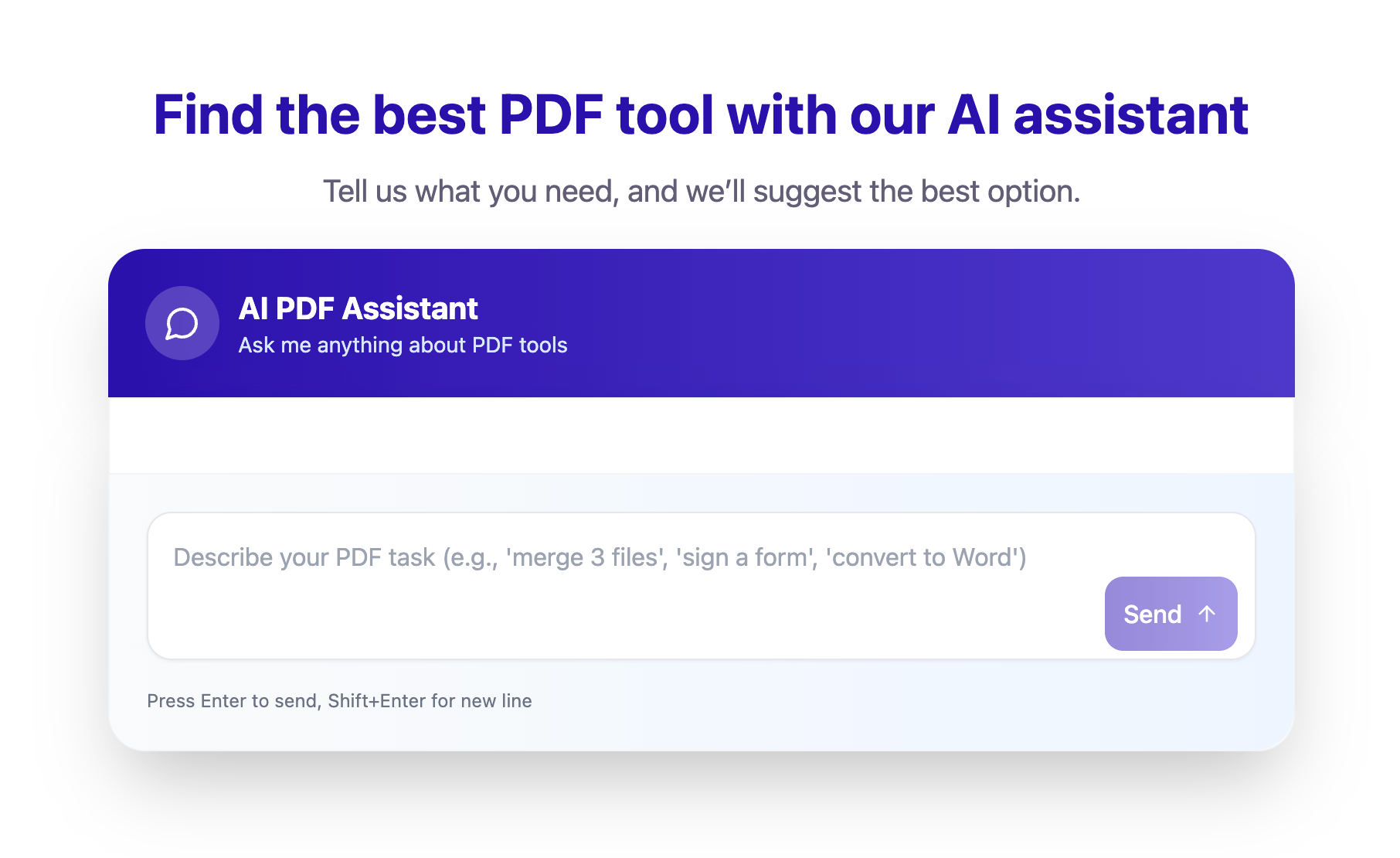
AI PDF Assistant is a smart, AI-powered feature designed to help users quickly choose the right PDF tool for their specific task. Rather than browsing dozens of PDF services, users can simply type their request into a chat window — for example, “I need to sign a document” or “I want to edit a PDF” — and the assistant will recommend the most relevant and reliable PDF services available. This AI functionality acts as a personal guide through the world of PDF tools, saving time and eliminating confusion. It is especially useful for users who are not sure which service to use or want the fastest solution for their PDF-related tasks. Key Features of AI PDF Assistant Smart task-based recommendations The assistant analyzes user requests and suggests PDF services tailored to specific needs, such as eSigning, editing, compressing, converting, or merging PDF files. Simple chat-based interface Users interact with the AI through a conversational dialog box, making the experience intuitive and accessible even for non-technical users. Time-saving workflow Instead of testing multiple tools, users receive instant recommendations, allowing them to complete their tasks more efficiently. Wide range of PDF use cases From basic actions like signing documents to more advanced PDF editing needs, the AI assistant covers a broad spectrum of PDF-related tasks. No learning curve Users don’t need prior knowledge of PDF software — they simply describe what they need, and the AI does the rest. Use Cases of AI PDF Assistant Signing PDF documents Users can type a simple request like “I need to sign a PDF”, and the AI assistant will recommend the best eSignature tools for quick and secure document signing. Editing PDFs Whether it’s modifying text, images, or layout, the assistant helps users find reliable PDF editors that match their requirements. PDF conversion Need to convert PDFs to Word, Excel, or other formats? The AI assistant suggests suitable conversion tools instantly. Merging and splitting files Users can easily find services for combining multiple PDFs or splitting large documents into smaller parts. Everyday productivity AI PDF Assistant is ideal for students, freelancers, office workers, and professionals who regularly work with PDFs and want a faster way to choose the right tools.
Product Categories
Related Tasks
- How to use AI to recommend the right PDF tool for any workflow?
- How to get instant recommendations for PDF services based on task description
- How to find the best PDF tool for your specific needs without manual searching
- How to choose the right PDF software for signing, editing, merging, or converting documents
Featured Today


tiun
Payments backend for indie hackers
All-in-one: Auth, payments & DB
Single command: MCP, Skills
Built for developers.
Merchant of Record. Better fees.
Join the Microlaunch builder community
Get product updates, weekly standouts, and founder deals.