This task can be performed using Tattoo Visualizer
AI powered tattoo generator with tattoo library
Best product for this task
- Explore Designs: Visualize tattoos. - Instant Changes: See updates in real-time. - Unique Creations: Stand out with one-of-a-kind designs. - Easy Customization: Adjust size, color, and placement.
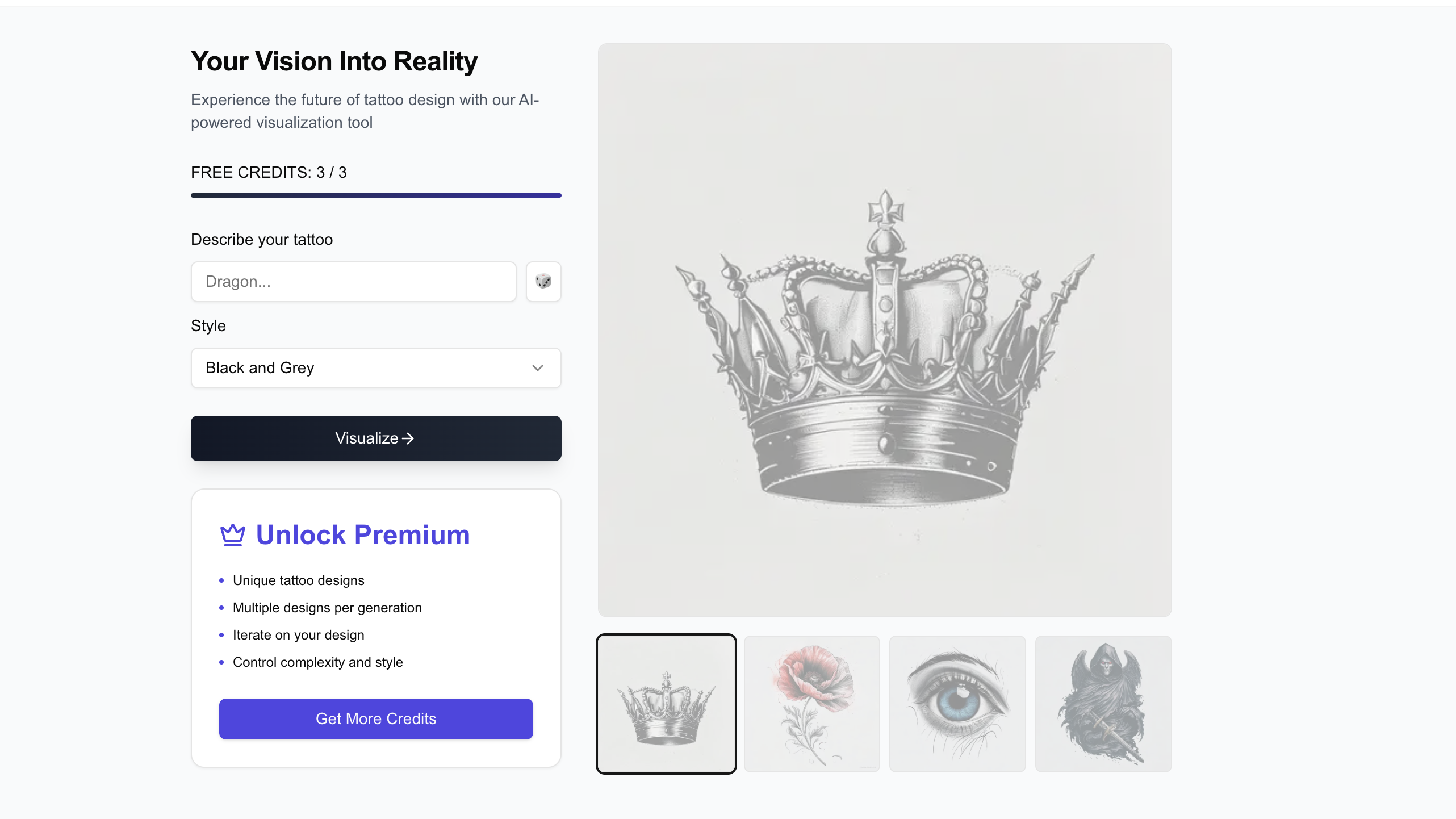
What to expect from an ideal product
- Upload a photo of your body area and place different tattoo designs directly on your skin to see exactly how they'll look
- Adjust the tattoo size and position in real-time so you can find the perfect spot before committing to permanent ink
- Try out different colors and styles on the same design to match your skin tone and personal preference
- Test multiple tattoo ideas on the same body part to compare which one looks best on you
- See how the tattoo flows with your body's natural curves and existing tattoos without any guesswork

