This task can be performed using Talk To Locals
Two-way voice translator that turns your phone into a speaking interpreter
Best product for this task
Talk To Locals
lifestyle
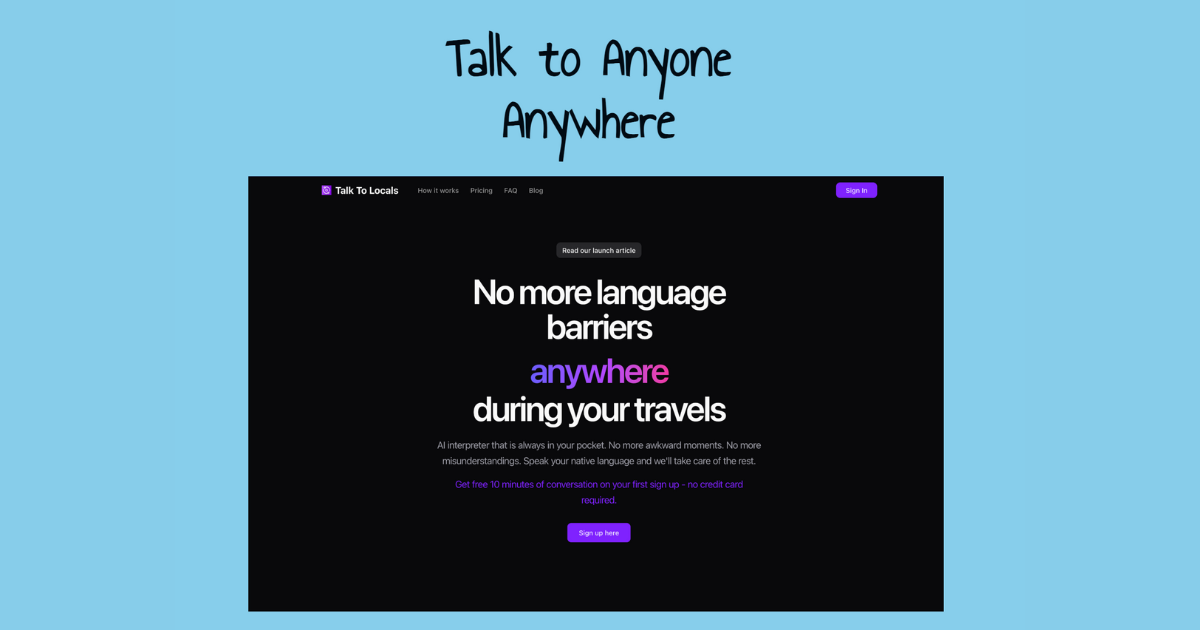
Talk To Locals is the only voice-to-voice translator that lets you have natural conversations: no typing, no screen-passing, no awkward pauses. Just place your phone between you and anyone speaking 40+ languages, and it translates both voices in real-time.
What to expect from an ideal product
- Talk To Locals works as a live phone interpreter between two speakers: one person talks, the app translates out loud, the other responds, and it translates back, no screen-sharing needed.
- Unlike most translator apps that require typing or reading, Talk To Locals handles the full conversation through voice only, keeping both speakers focused on each other.
- The app supports 40+ languages, so whether you are speaking with a local vendor, a patient, or a neighbor, the conversation flows without stopping to find the right words.
- No Wi-Fi signal? No problem. Talk To Locals is built for real-world conditions where connectivity is spotty and conversations cannot wait.
- Place your phone flat on a table between you and the other person, and both voices get picked up and translated in real-time, making it feel closer to a natural conversation than any other translator tool available.

