This task can be performed using Vibemotion AI
Where human creativity and AI editing finally work together.
Best product for this task

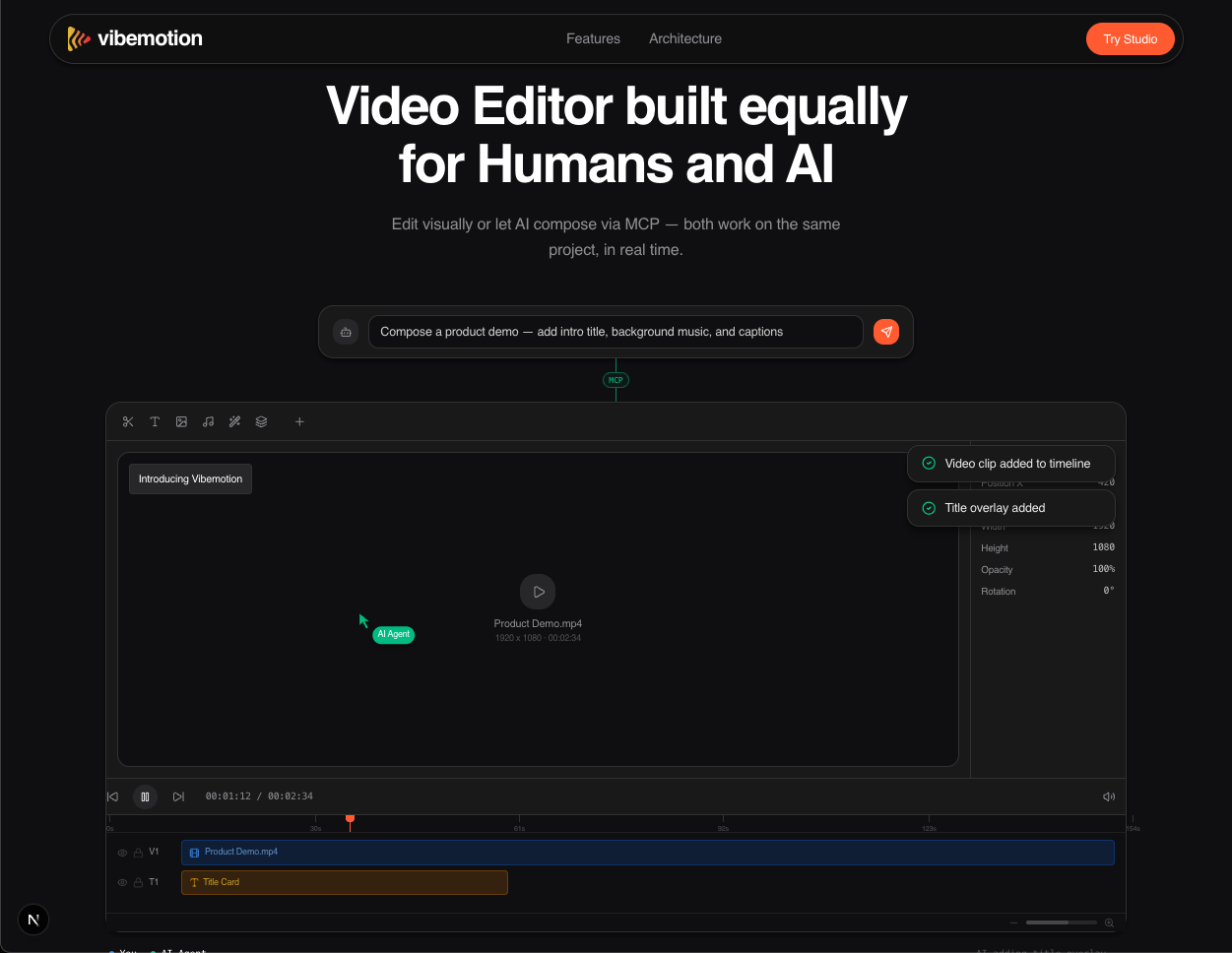
Vibemotion is a collaborative video editor where humans and AI agents edit the same project in real time through a shared MCP-powered timeline. Creators keep full visual control while AI assembles clips, generates media, and automates repetitive editing tasks.
What to expect from an ideal product
- Set up AI agents in your Vibemotion workspace to automatically search, select, and place video clips on your timeline while you focus on the creative direction
- Use the real-time collaboration feature to work alongside AI agents that generate background music, sound effects, and visual elements as you edit your main content
- Configure AI agents to handle repetitive tasks like color correction, audio syncing, and transition placement across multiple clips in your shared timeline
- Let AI agents create and suggest media assets like titles, graphics, and B-roll footage that match your project's style while you maintain full control over final placement
- Streamline your workflow by having AI agents automatically organize and categorize imported media files, then assemble rough cuts based on your creative brief and timeline markers

