This task can be performed using GeniusAI
Turn Simple Prompts Into Powerful Visuals.
Best product for this task

GeniusAI
ai
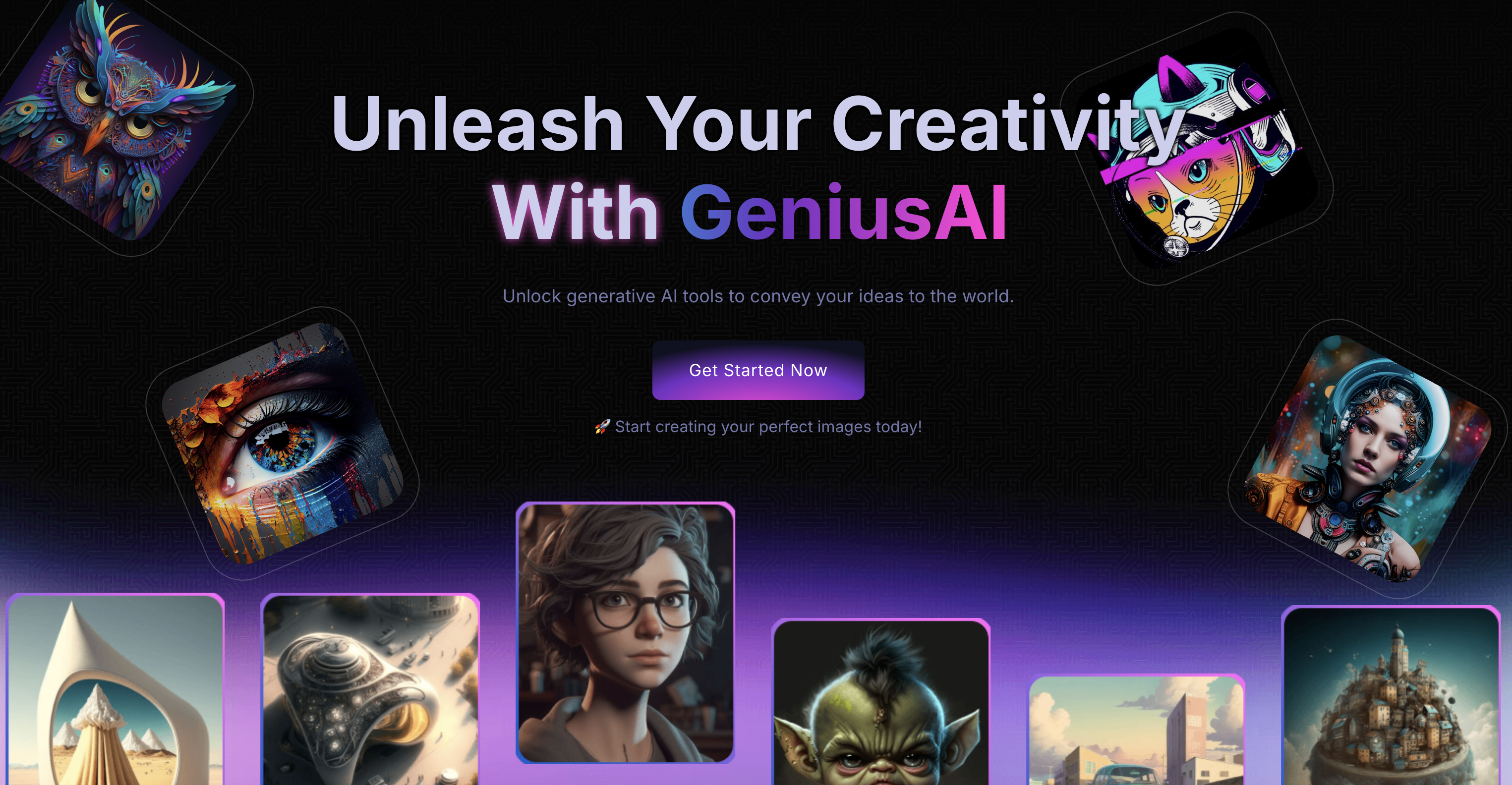
GeniusAI transforms your ideas into stunning, production-ready visuals in seconds. Generate unique images from simple text prompts, edit photos, upscale content, and explore creative styles - all through an intuitive platform built for creators, marketers, teams, and businesses.
What to expect from an ideal product
- GeniusAI lets you type a plain-English prompt and receive a production-ready image in seconds — no design software, no stock photo subscriptions, no waiting on a freelancer.
- Built-in upscaling tools sharpen and enlarge AI-generated visuals without losing detail, making them print-ready, ad-ready, and safe for high-resolution formats like banners, packaging, and presentations.
- Marketers and content teams can generate on-brand visuals at scale by combining text prompts with style controls, cutting campaign asset production time from days to minutes.
- GeniusAI's photo editing features allow you to modify existing images — remove backgrounds, adjust lighting, swap elements — directly inside the platform without exporting to a separate tool.
- Businesses worried about licensing and originality get unique, commercially usable visuals every time, eliminating the copyright risks that come with reusing stock photography or third-party creative assets.

