This task can be performed using TabSnip
Make beautiful screenshots in seconds!
Best product for this task

TabSnip
productivity
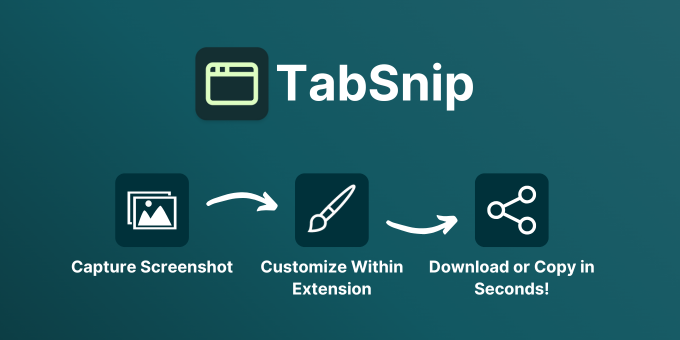
TabSnip is a browser extension that turns ordinary screenshots into professional visuals with ambient backgrounds, padding adjustments, and customization options.
What to expect from an ideal product
- Snap a regular screenshot and drag it into TabSnip to add stylish backgrounds in one click
- Adjust padding and margins around your screenshot to make it look clean and balanced
- Pick from ready-made background styles or upload your own custom images
- Fine-tune colors and lighting to match your brand's look and feel
- Export your polished screenshots in multiple formats ready for social media or website use

