This task can be performed using Transcribe Audio to Text
Transcribe Audio to Text
Best product for this task
Transcribe Audio to Text
productivity
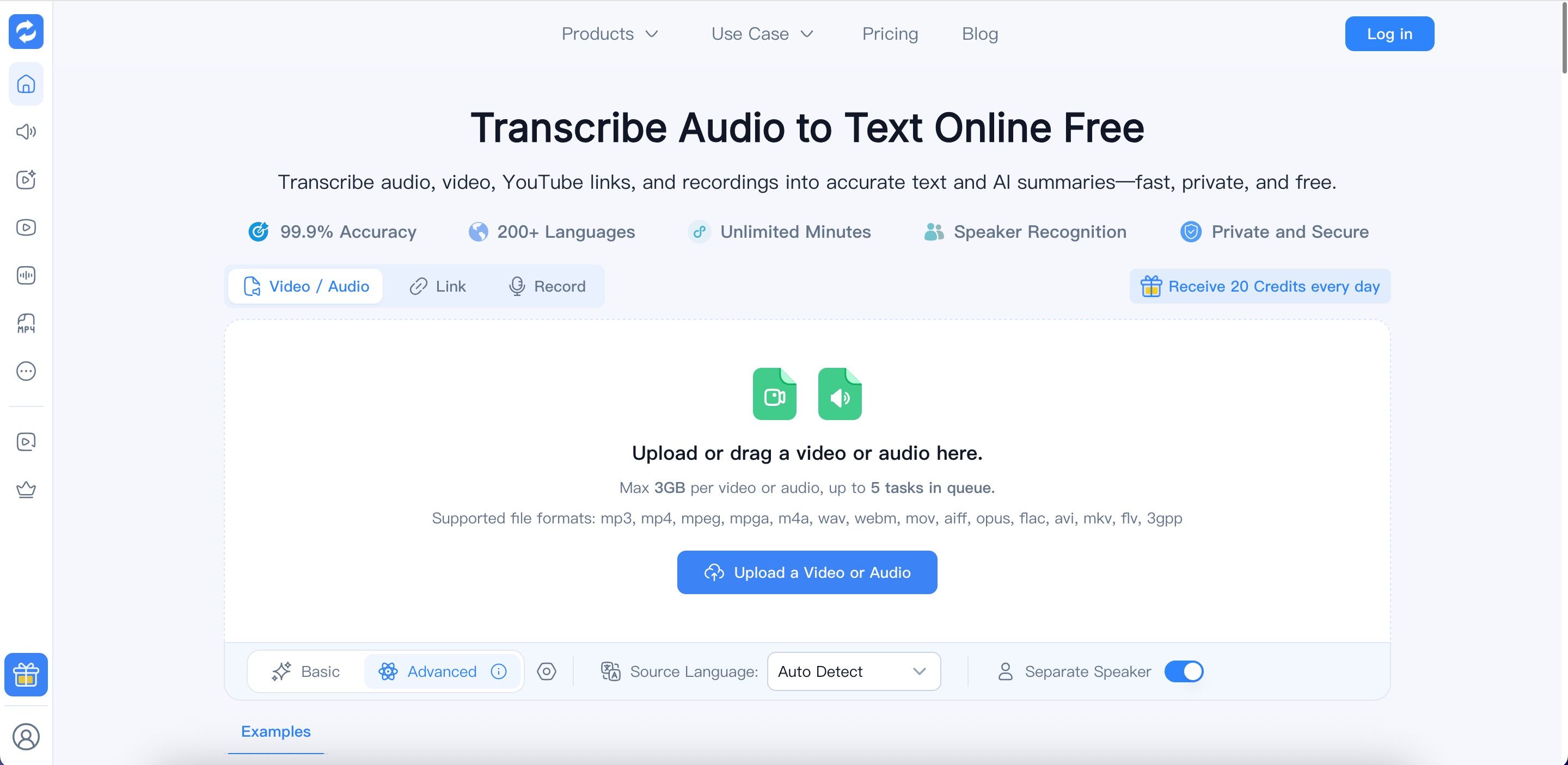
Transcribe Audio to Text online with Audio Converter AI. Convert audio, video, YouTube links, and recordings into accurate, editable transcripts. Enjoy 200+ languages, speaker recognition, timestamps, AI summaries, and files up to 10GB. Perfect for meetings, lectures, interviews, podcasts, research, and content creation. Upload your media, let AI transcribe it, then review, download, share, or repurpose your text.
TranscriptionAudio to TextSpeech to TextAI TranscriptionVideo to TextYouTube TranscriptMeeting NotesPodcast ToolsSubtitle GeneratorProductivity Tools
What to expect from an ideal product
- Upload your meeting recording in any format and get a full transcript with speaker labels that show exactly who said what, no manual editing required.
- Works with audio and video files up to 10GB, so even long board meetings, client calls, or all-hands sessions transcribe without splitting files.
- Supports 200+ languages, making it practical for multilingual teams or international meetings where multiple speakers switch between languages.
- After transcription, pull out action items, summaries, or key decisions using built-in AI tools instead of scrubbing through the recording again.
- Share, download, or repurpose the transcript directly from the platform, cutting the time between a recorded meeting and a usable written record to minutes.

