This task can be performed using Channel Timeline Viewer
10,000+ installs · Free · Watch YouTube channels in order
Best product for this task
Channel Timeline Viewer
edtech
10,000+ installs on iPhone and Android. Lists a YouTube channel's uploads oldest-first, tracks watched videos and overall channel progress, resumes from the exact position where you left off, and keeps notes per video. Free for one saved channel; a one-time Pro upgrade unlocks multiple channels.
What to expect from an ideal product
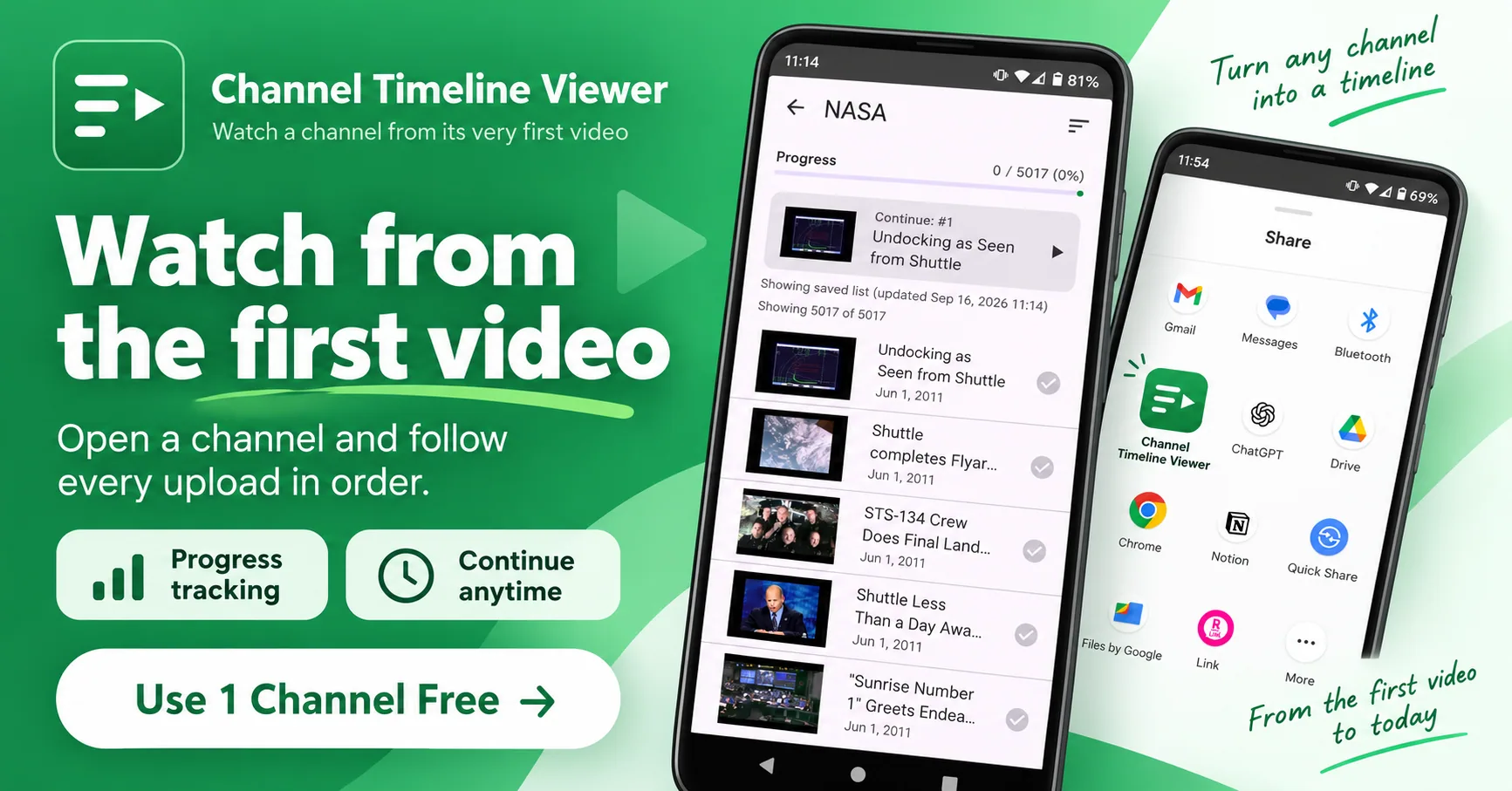
- Channel Timeline Viewer sorts any YouTube channel's uploads oldest-first, so you can watch a creator's full history in the exact order it was posted without manually hunting for old videos.
- The app tracks which videos you have already watched and shows your overall percentage progress through a channel, so you always know how far through the backlog you actually are.
- If you close the app mid-video, it resumes from the exact timestamp where you stopped, meaning you never lose your place even in channels with hundreds of uploads.
- You can attach personal notes to individual videos inside the app, useful for tutorials, lecture series, or any channel where you want to save key takeaways alongside your progress.
- Free users can save and track one full channel with no time limit; a single one-time Pro purchase unlocks unlimited saved channels with no subscription required.

