This task can be performed using HYPERFOCUS
Free macOS planner that turns goals into daily progress
Best product for this task

HYPERFOCUS
productivity
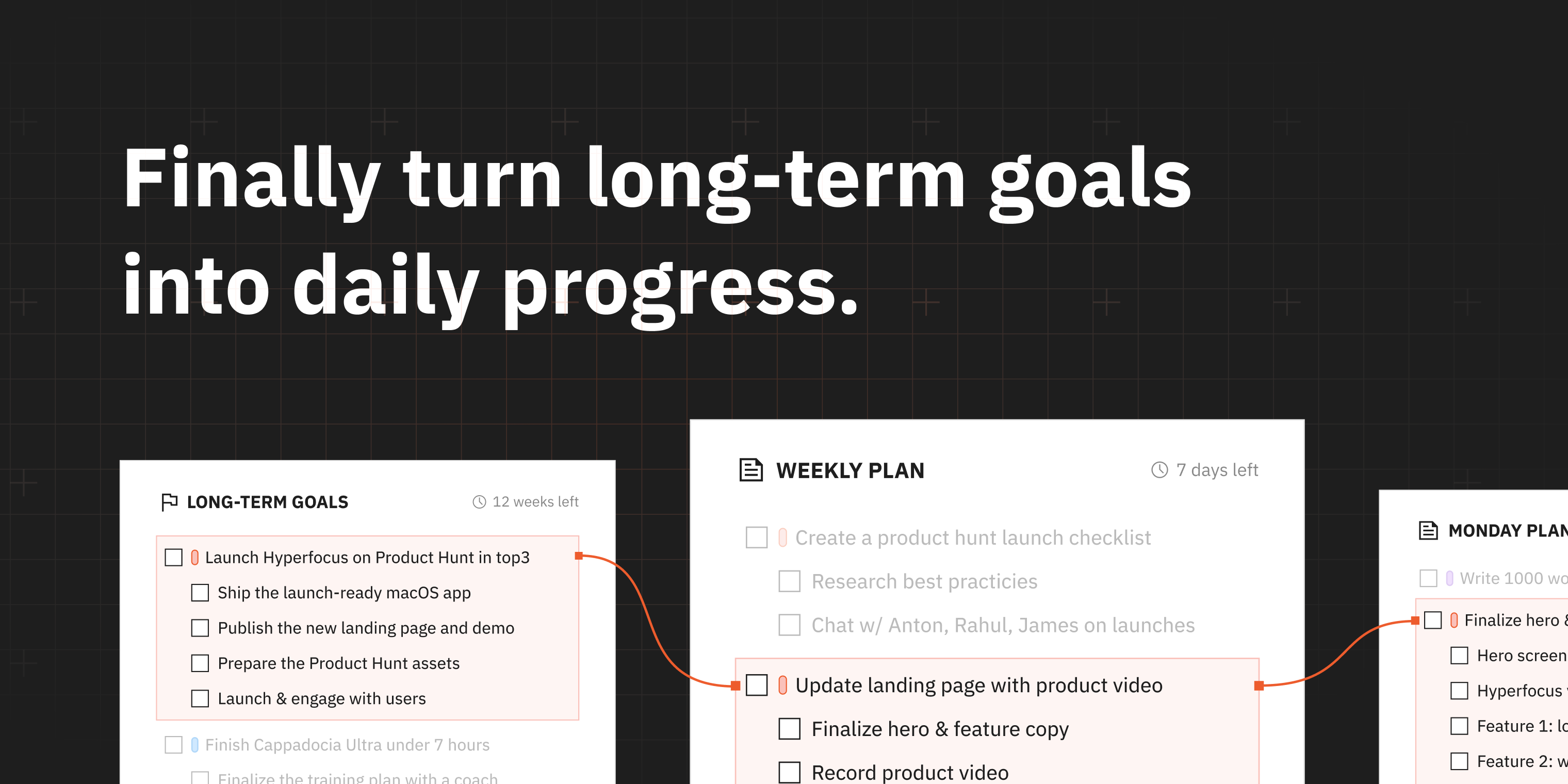
Most productivity tools start with an inbox, helping you collect, process, and organize work. That can make you feel in control without moving your most important work forward. Hyperfocus is a goals-first planner for macOS. It helps you choose a few outcomes that matter most for the next few months, plan your weeks and days around them, and make consistent progress through focused work.
What to expect from an ideal product
- Hyperfocus skips the inbox and starts with your goals, so your daily tasks always connect back to what actually matters over the next few months.
- Pick two or three outcomes, then let Hyperfocus break them into weekly and daily actions you can realistically fit into your schedule.
- Built for macOS, it stays out of your browser and your notifications, keeping your planning and your focused work in one quiet place.
- If you have ever organized a task list for an hour and still felt behind, Hyperfocus is designed specifically to fix that gap between feeling busy and making real progress.
- Free to use, no subscription required, so you can test whether a goals-first planning habit actually sticks before committing to anything.

