This task can be performed using Invalatics
Turn messy meeting notes into clear next actions.
Best product for this task
Invalatics
productivity
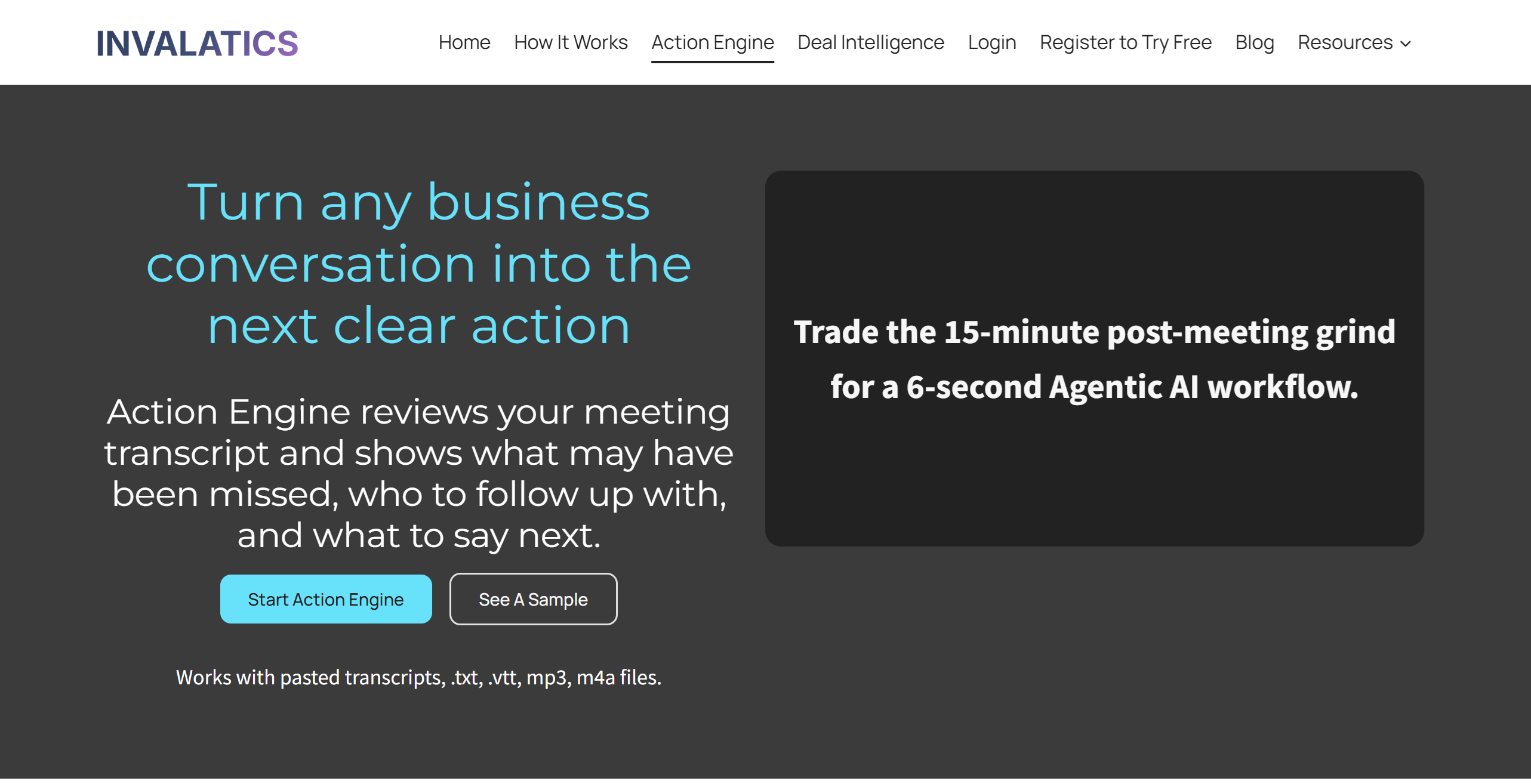
Action Engine helps B2B teams turn meeting notes, transcripts, and deal context into practical next-step recommendations. It highlights missing gaps, suggests who to contact next, and creates short follow-up starters so teams can move faster after every conversation. It is built for founders, sales teams, project managers, product managers, hr managers consultants, and operators who need clearer follow-up without spending more time rewriting notes. With basic Slack webhook workflow.
What to expect from an ideal product
- Invalatics connects to Slack via webhook so your follow-up actions land in the right channel seconds after a meeting ends, no manual copy-paste needed.
- Sales reps and founders stop losing deals between calls because Action Engine flags missing context and tells you exactly who to reach out to next.
- Instead of rereading a full transcript, you get a short follow-up starter you can send or edit right away, cutting post-meeting admin from 20 minutes to under 2.
- Project managers and consultants handling multiple accounts can route each meeting's next steps to separate Slack channels automatically, keeping work organized without extra tools.
- Setting up the Slack notification workflow takes one webhook URL, no engineering help required, which means your team is live the same day you sign up.

