This task can be performed using Kipper
Ask your finance system anything
Best product for this task

Kipper
ai
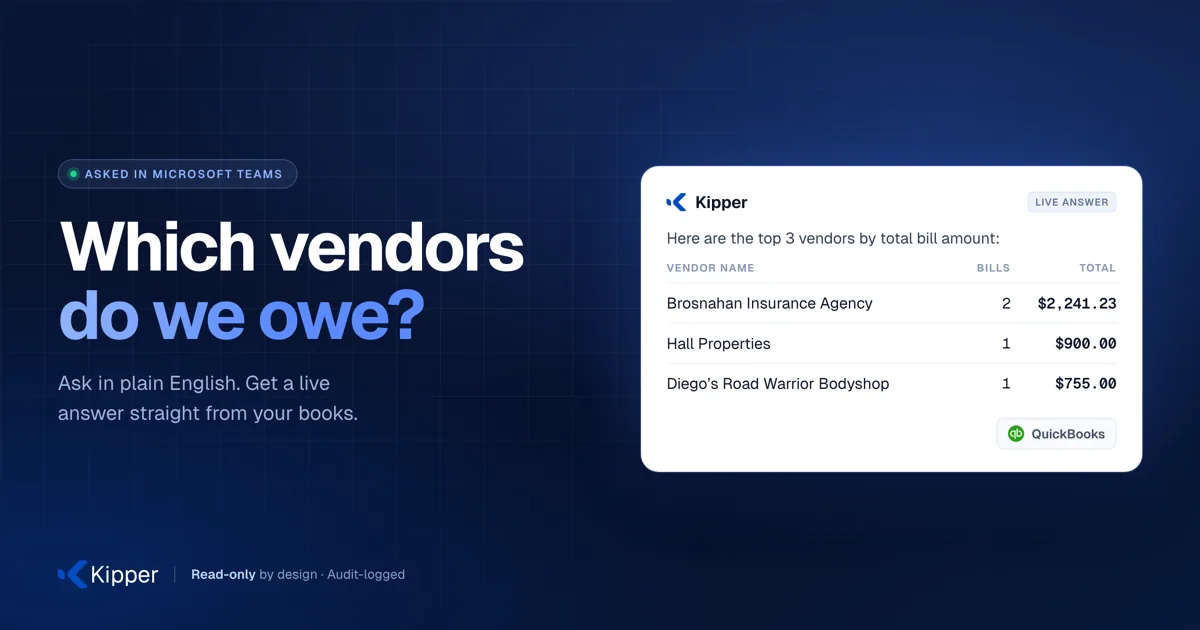
Kipper lets anyone on your team ask finance questions in plain English and get live answers from QuickBooks, Xero, or NetSuite. Ask in Slack, Microsoft Teams, SMS, or the web app, and get a real number back in seconds instead of waiting on finance. Kipper is read only, so it can never change your books. Admins control who sees what, and every query is logged.
What to expect from an ideal product
- Kipper lets admins decide exactly which employees can query which financial data, so a sales rep can check their team's revenue without ever seeing payroll or executive reports.
- Every question asked through Kipper is logged, giving finance teams a clear audit trail of who accessed what numbers and when.
- Because Kipper is read-only, there is zero risk of an employee accidentally editing or deleting anything in QuickBooks, Xero, or NetSuite while browsing financial data.
- Employees ask finance questions in plain English through Slack or Teams and get live numbers back in seconds, without finance having to manually pull and scrub a report first.
- Role-based permissions in Kipper mean you can onboard a new department head and know they will only ever see the data they are cleared for, from day one.

