This task can be performed using Hora Calendar
The Mac Calendar Google never built.
Best product for this task
Hora Calendar
productivity
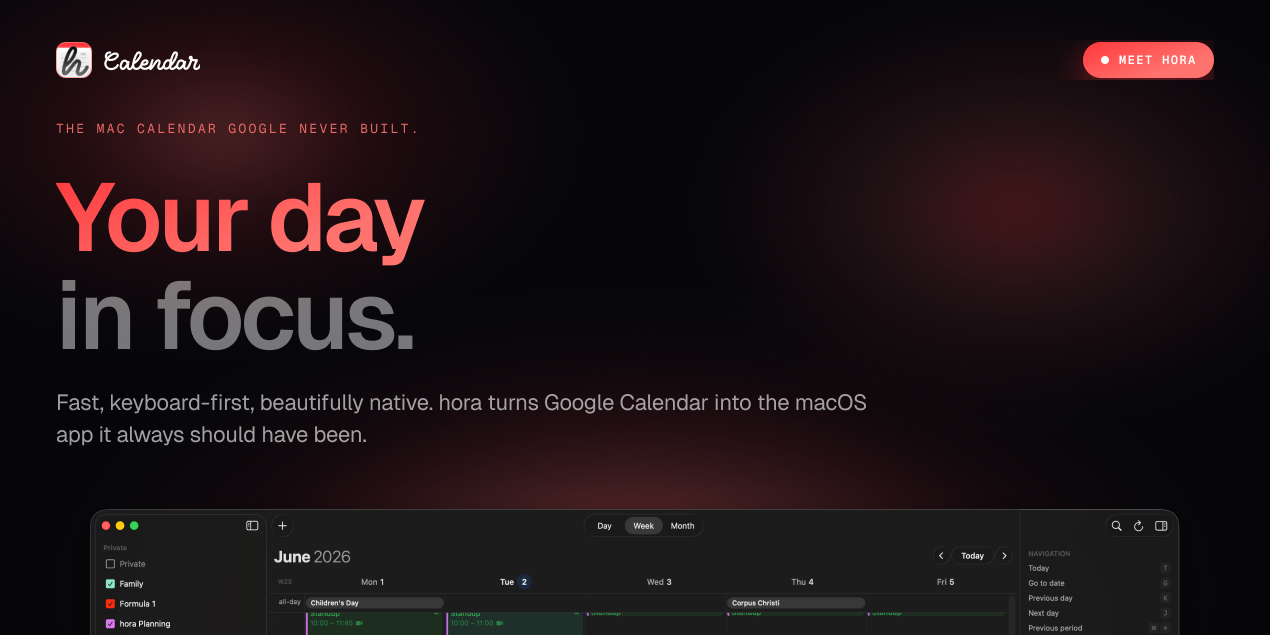
Hora Calendar is a native macOS calendar app built for people who live in Google Calendar but want a faster, cleaner and more focused experience. It combines a beautiful Apple-like interface with powerful scheduling, widgets, reminders and productivity features designed for modern workflows. Think of it as the Mac calendar app Google should have shipped years ago.
macOScalendarproductivitygoogle-calendardesktop-apptime-managementwidgetsschedulingnative-appmenubar
What to expect from an ideal product
- Hora Calendar brings your Google Calendar events to your Mac desktop as native widgets, no browser tab needed, no lag, just your schedule at a glance.
- Setting up a Google Calendar widget on Mac takes under two minutes with Hora: connect your account, pick your widget size, drop it on your desktop and you are done.
- Unlike the default macOS Calendar app, Hora syncs Google Calendar in real time and displays it in a clean, readable layout that actually fits how busy people plan their days.
- If you have tried pinning Google Calendar to your menu bar or dock and found it clunky, Hora was built specifically to fix that gap on macOS.
- Hora supports multiple Google Calendar accounts in one place, so you can show personal, work and shared calendars together on your desktop without switching apps or tabs.

