This task can be performed using Anijam AI
AI that takes your animation from script to screen.
Best product for this task

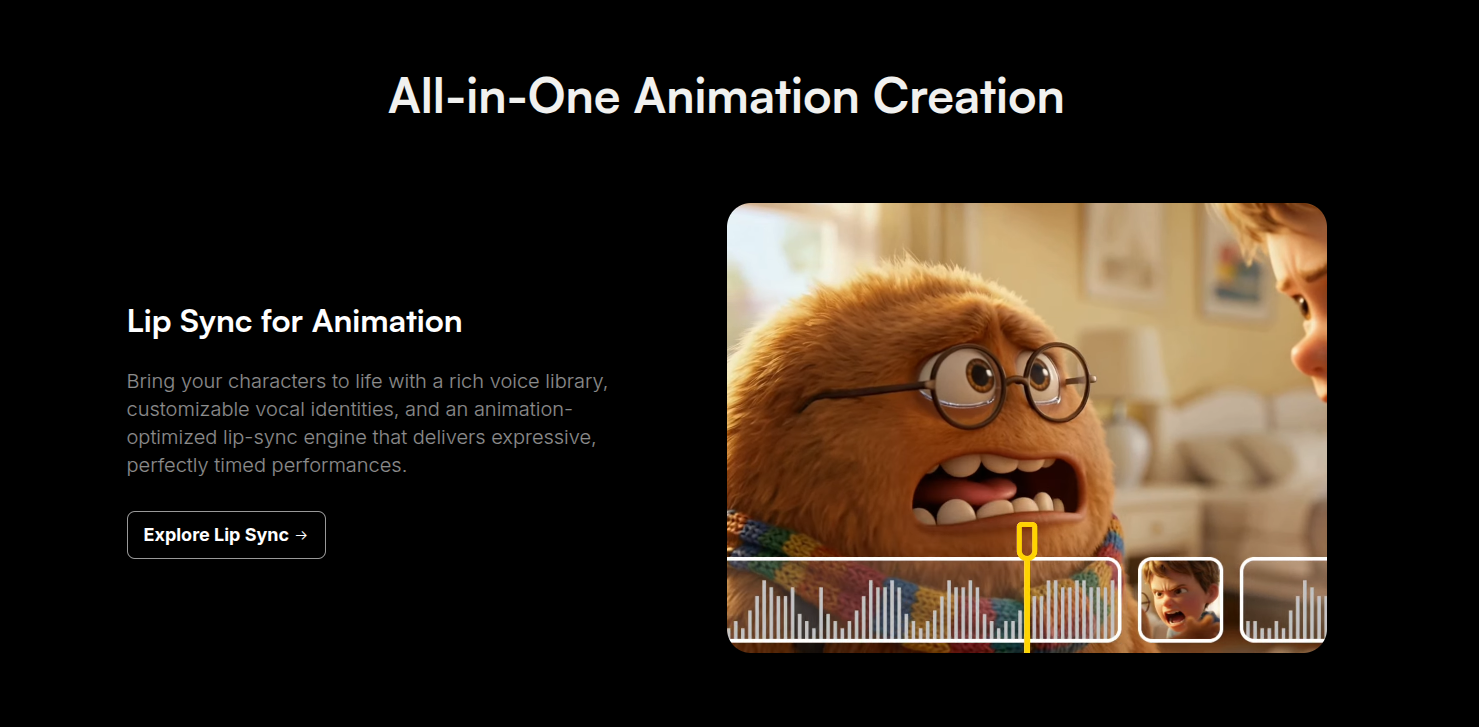
Anijam is an AI-powered animation environment that turns written ideas into fully produced animated stories. It handles scripting, scene layout, character consistency, lip sync, and timeline editing so creators can focus on storytelling instead of complex production workflows.
What to expect from an ideal product
- Anijam AI lets you define scene layout directly from your script, automatically placing characters, backgrounds, and camera angles without manual storyboarding.
- Instead of jumping between separate tools, Anijam handles scene composition and timeline editing inside one animation environment built for short-form storytelling.
- Character positions stay consistent across scenes, so your animated short does not fall apart visually when you move from one sequence to the next.
- Creators who have no animation production background can set up a full scene layout by writing out what they want and letting Anijam translate that into a structured visual sequence.
- Because scene layout, lip sync, and scripting are connected inside Anijam, changes to your script automatically ripple through your scene setup instead of forcing a manual rebuild.

