This task can be performed using Add Car Widgets
Widgets, startup sounds & synced lyrics for CarPlay
Best product for this task

Add Car Widgets
tech
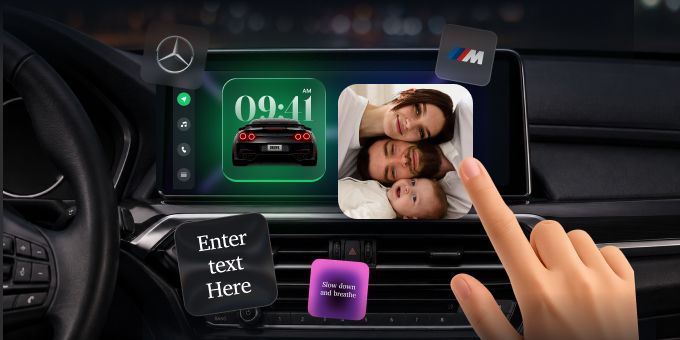
Add Car Widgets makes Apple CarPlay yours. Add eleven home-screen widgets — photos, weather, music, a GPS speedometer and more — swap the default connection chime for a custom startup sound, and see time-synced lyrics from Apple Music and Spotify. No CarPlay in your car? Mount Mode turns your iPhone into a big-tile driving dashboard. Built for iOS 16.2+, tuned for iOS 26. Free to try; on the App Store as Car Play Connect: Auto Sync.
What to expect from an ideal product
- Add Car Widgets shows time-synced lyrics on CarPlay for both Spotify and Apple Music, so you can follow along word by word while you drive.
- Lyrics sync in real time with the track playing, no manual searching or tapping required once the app is set up.
- Works alongside eleven home-screen CarPlay widgets including weather, photos, and a GPS speedometer, making it more than just a lyrics tool.
- If your car does not support CarPlay, Mount Mode turns your iPhone into a full driving dashboard so you still get the lyrics and widgets experience.
- Available on the App Store as Car Play Connect: Auto Sync, free to try, and built for iOS 16.2 and later including iOS 26.

