This task can be performed using Claw Code AI
Claw Code — Open-Source AI Coding Agent Framework
Best product for this task
Claw Code AI
dev-tools
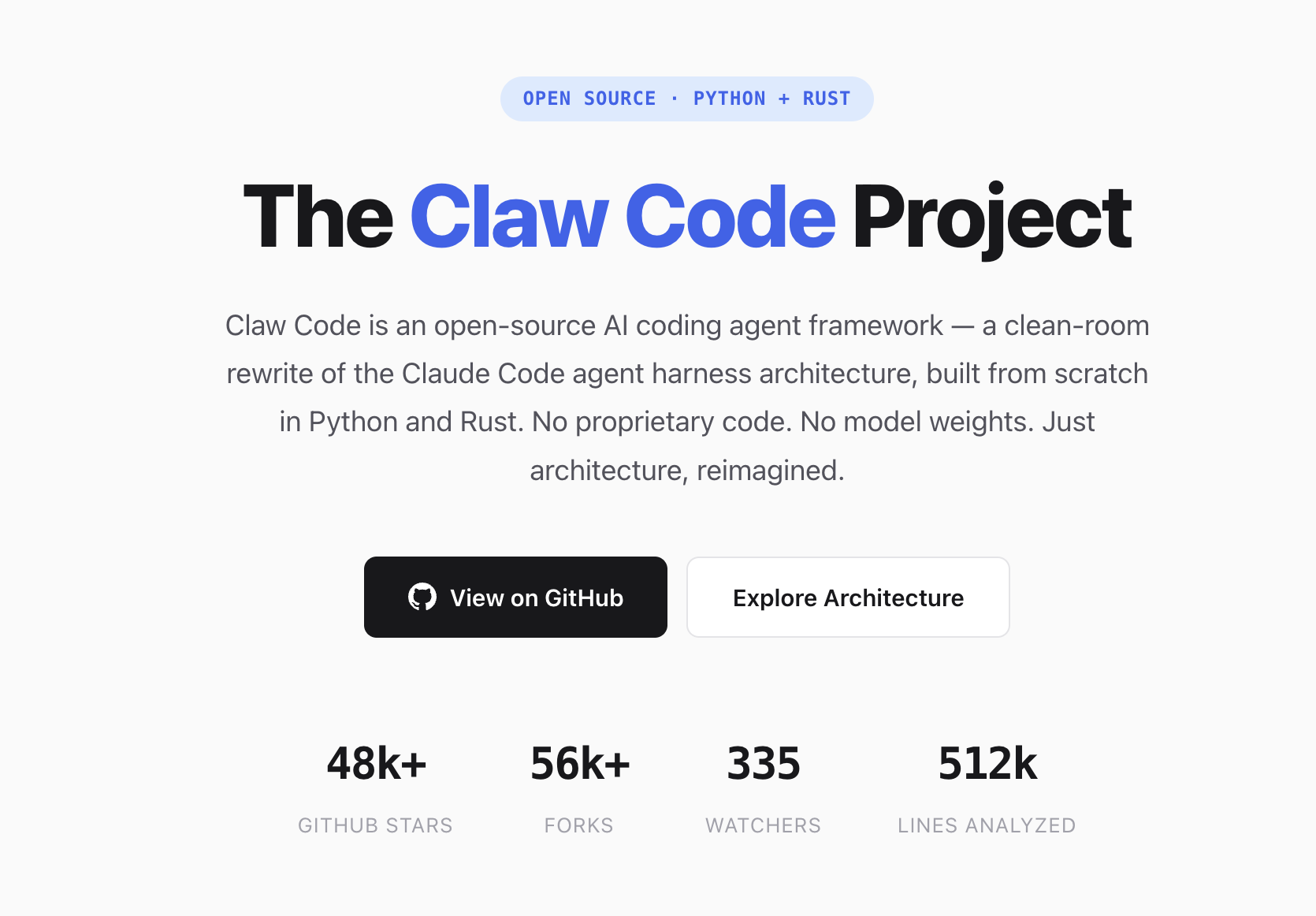
Claw Code is an open-source AI coding agent framework — a clean-room Python and Rust rewrite of the Claude Code architecture. 100k+ GitHub Stars. Multi-agent orchestration, tool-calling, and terminal-native AI development.
Claw Codeclaw-codeAI coding agentClaude Code alternativeopen source AI agentPython AI frameworkRust AI agentmulti-agent orchestrationterminal AI tool
What to expect from an ideal product
- Claw Code is a Python and Rust rewrite of the Claude Code architecture, giving developers a self-hosted alternative they can audit, fork, and run locally without vendor lock-in.
- With 100k+ GitHub stars, Claw Code is one of the most adopted open-source AI coding agent frameworks built for terminal-native development workflows.
- Multi-agent orchestration lets you run parallel coding agents on the same codebase, speeding up tasks like refactoring, code review, and test generation directly from your terminal.
- Tool-calling support means Claw Code can read files, run shell commands, and interact with your project structure the same way a human developer would, without leaving the CLI.
- Because Claw Code runs self-hosted, your code never leaves your machine, making it a practical choice for teams working on proprietary or sensitive codebases.

