This task can be performed using Diffio AI
AI Audio Denoising
Best product for this task
Diffio AI
music
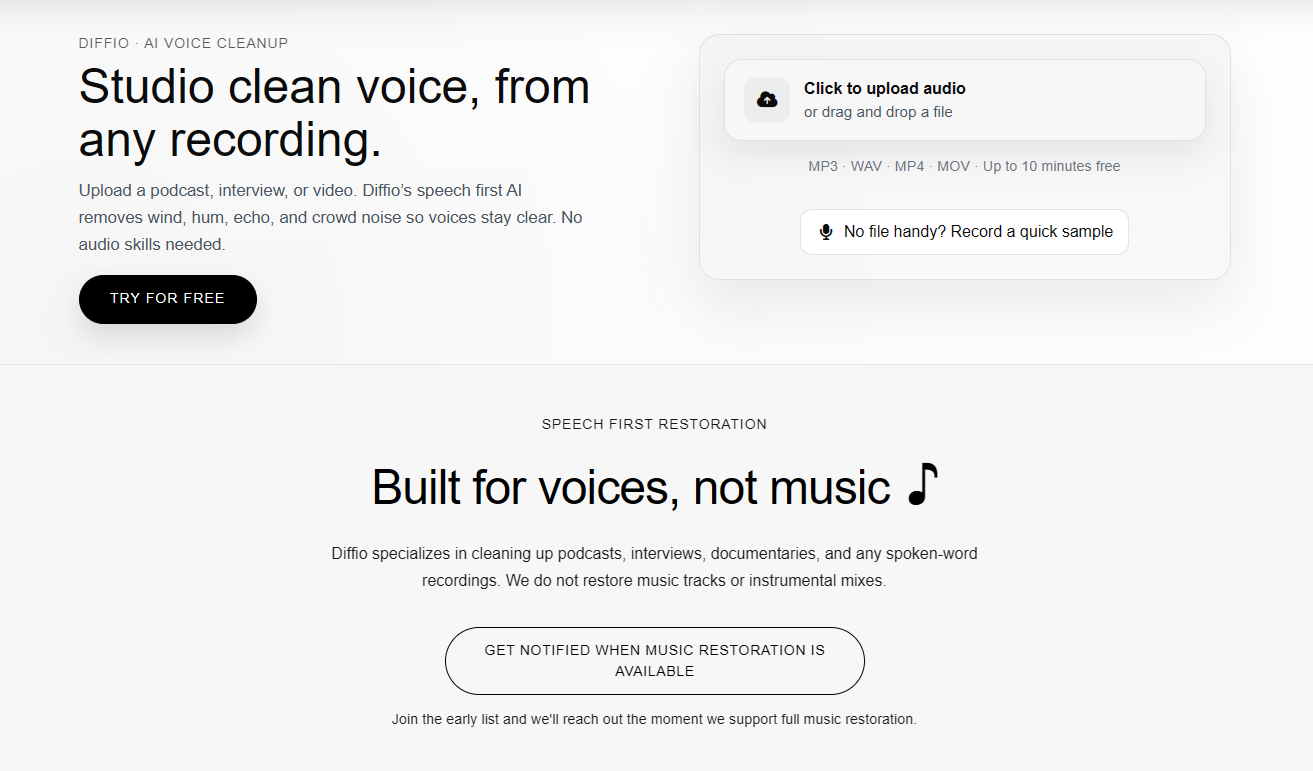
Diffio.ai is tailored for spoken content where clarity matters most. It reduces noise without flattening or distorting the voice.
What to expect from an ideal product
- Diffio AI uses advanced algorithms to identify and separate background noise from voice frequencies, keeping your speech clear and natural
- The tool analyzes audio patterns to distinguish between unwanted sounds and human voice, removing only the noise while preserving vocal tone and character
- It processes recordings without compressing or flattening the dynamic range of your voice, maintaining the original speaking style and emphasis
- The AI focuses specifically on spoken content optimization, making it more effective than generic noise reduction tools that can muddy vocals
- It removes consistent background sounds like fan noise, traffic, or room hum while keeping the natural variations and nuances in your voice intact

