This task can be performed using Vectosolve
Turn any image into a clean, cut-ready vector
Best product for this task
Vectosolve
tech
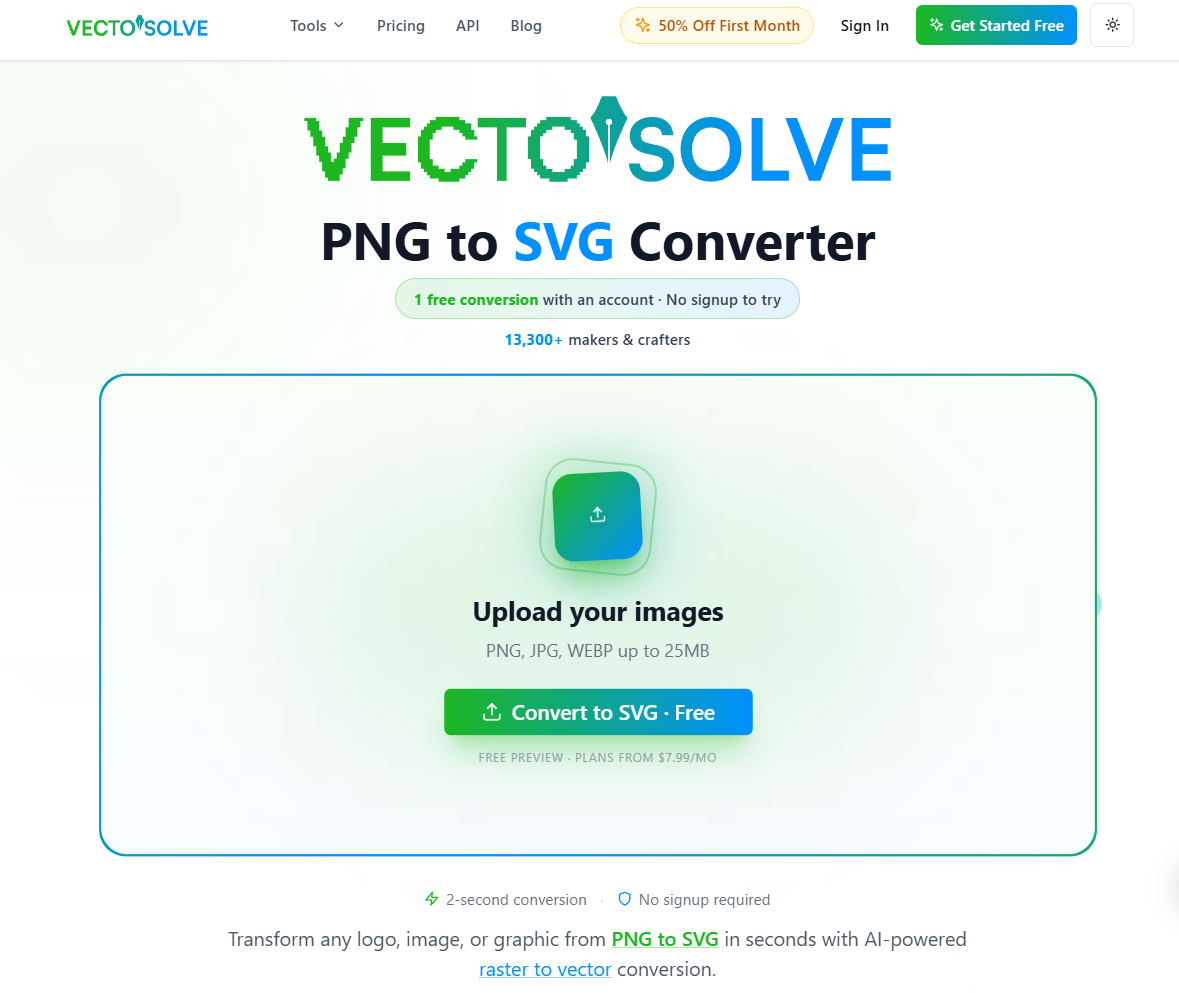
VectoSolve turns any image into clean, cut-ready vector files. Drop a PNG, JPG or photo and get AI-traced SVG and DXF for laser cutters, Cricut, Silhouette, CNC, embroidery and print-on-demand. It removes backgrounds, upscales, and exports directly to the format your machine actually needs, not just a generic SVG. Free preview, no signup, no watermark. Also available as a public API, an MCP server, and browser extensions.
image to svgAI vectorizerpng to svgdxf converterlaser cuttingcricutsvg convertercncembroideryprint on demand
What to expect from an ideal product
- VectoSolve removes the background from any product photo and converts it to a clean SVG or DXF file ready for Cricut, Silhouette, or laser cutters without manual tracing.
- Drop a JPG or PNG of your product and get a cut-ready vector file in seconds, no design software, no signup, no watermark on the preview.
- Print-on-demand sellers use VectoSolve to prep artwork that meets upload requirements across Redbubble, Printful, and Merch by Amazon without hiring a designer.
- The AI upscales low-resolution product photos before tracing, so the final SVG stays sharp at any size instead of turning into a pixelated mess.
- VectoSolve exports directly to the format your machine needs, SVG for Cricut, DXF for CNC, or embroidery-ready files, skipping the conversion step that usually breaks the design.

