This task can be performed using S3Console
AWS S3 Desktop App for Mac & Windows
Best product for this task

S3Console
dev-tools
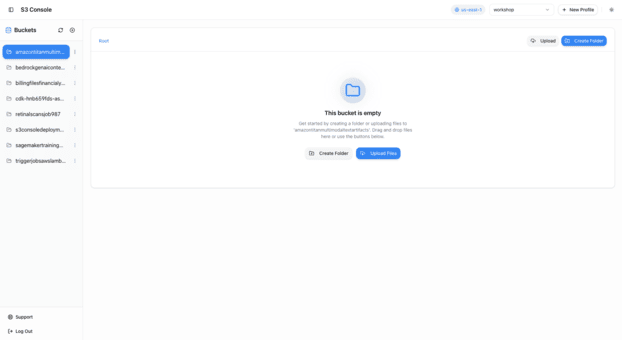
Professional S3 bucket manager with intuitive GUI. Generate presigned URLs, switch between AWS profiles instantly, preview files without downloading. Coming Soon - AI code Generation for Buckets and Objects - One Click Static Website hosting - Metrics Support
What to expect from an ideal product
- S3Console lets you preview images, PDFs, and text files stored in S3 buckets directly from your Mac or Windows desktop, no download needed.
- Switch between multiple AWS profiles in one click, so teams managing several accounts stop wasting time reconfiguring credentials.
- Generate presigned URLs for any S3 object instantly, making secure file sharing with clients or teammates a matter of seconds.
- Built as a native desktop app with a clean GUI, S3Console removes the need to touch the AWS web console or write CLI commands just to browse files.
- Upcoming features like one click static website hosting and AI code generation mean S3Console grows into a full S3 workflow tool, not just a file viewer.

