This task can be performed using Lucidly
A seamless, collaborative, website QA product built for freelancers and agencies.
Best product for this task

Lucidly
team-tools
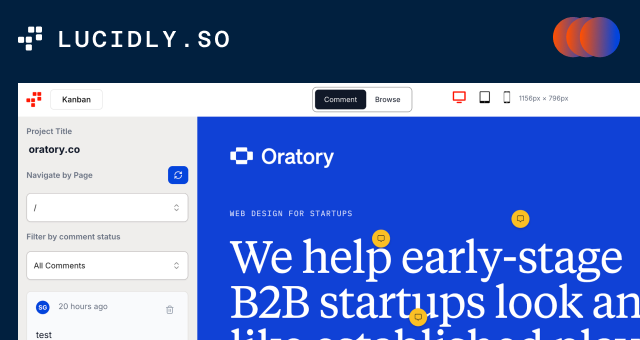
Lucidly enables you to QA websites faster by streamlining your project review and proofing phase with organized comments, screenshots, and seamless collaboration.
What to expect from an ideal product
- Capture screenshots directly on any webpage and attach comments instantly without switching between different tools or apps
- Create organized comment threads that stay linked to specific page elements so feedback doesn't get lost or misunderstood
- Set up reviewer permissions and assign tasks to team members so everyone knows exactly what needs to be fixed and by when
- Track the status of each piece of feedback from initial comment through to completion with visual progress indicators
- Export consolidated reports that compile all comments and screenshots into a single document for client presentations or developer handoffs

