This task can be performed using SoundStage
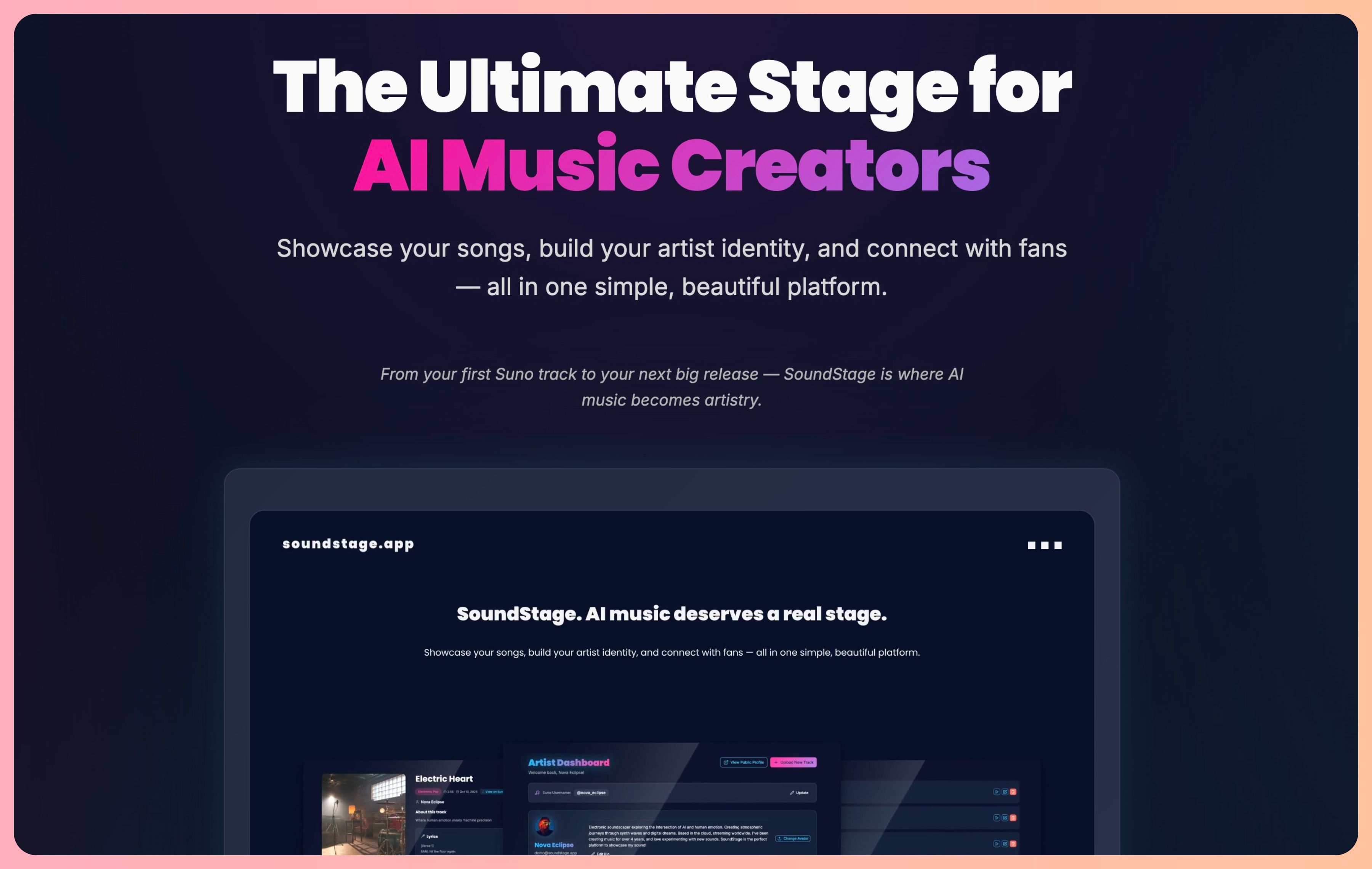
The Ultimate Stage for AI Music Creators
Best product for this task
SoundStage
music
AI is changing the way music is made. Tools like Suno and Udio have unlocked creativity for millions of new artists — but for many of us, something has been missing. You can make the music. You can share the link. But where does your art truly live? SoundStage is the first platform designed specifically for AI music creators. It’s not another streaming service trying to lump AI music into a corner, or a social platform where your work gets lost in a feed.
What to expect from an ideal product
- Move your Suno and Udio tracks to a profile that actually represents you as an artist, not just a list of shared links.
- SoundStage gives your AI-generated music a permanent home, so listeners can find your full catalog in one place.
- Stop losing plays to dead links and buried posts. Your tracks stay organized, branded, and discoverable long-term.
- Built from the ground up for AI music creators, not bolted onto a platform that barely tolerates the format.
- Migrating your tracks takes minutes, and your artist profile is ready to share the same day you sign up.

