This task can be performed using SERPView
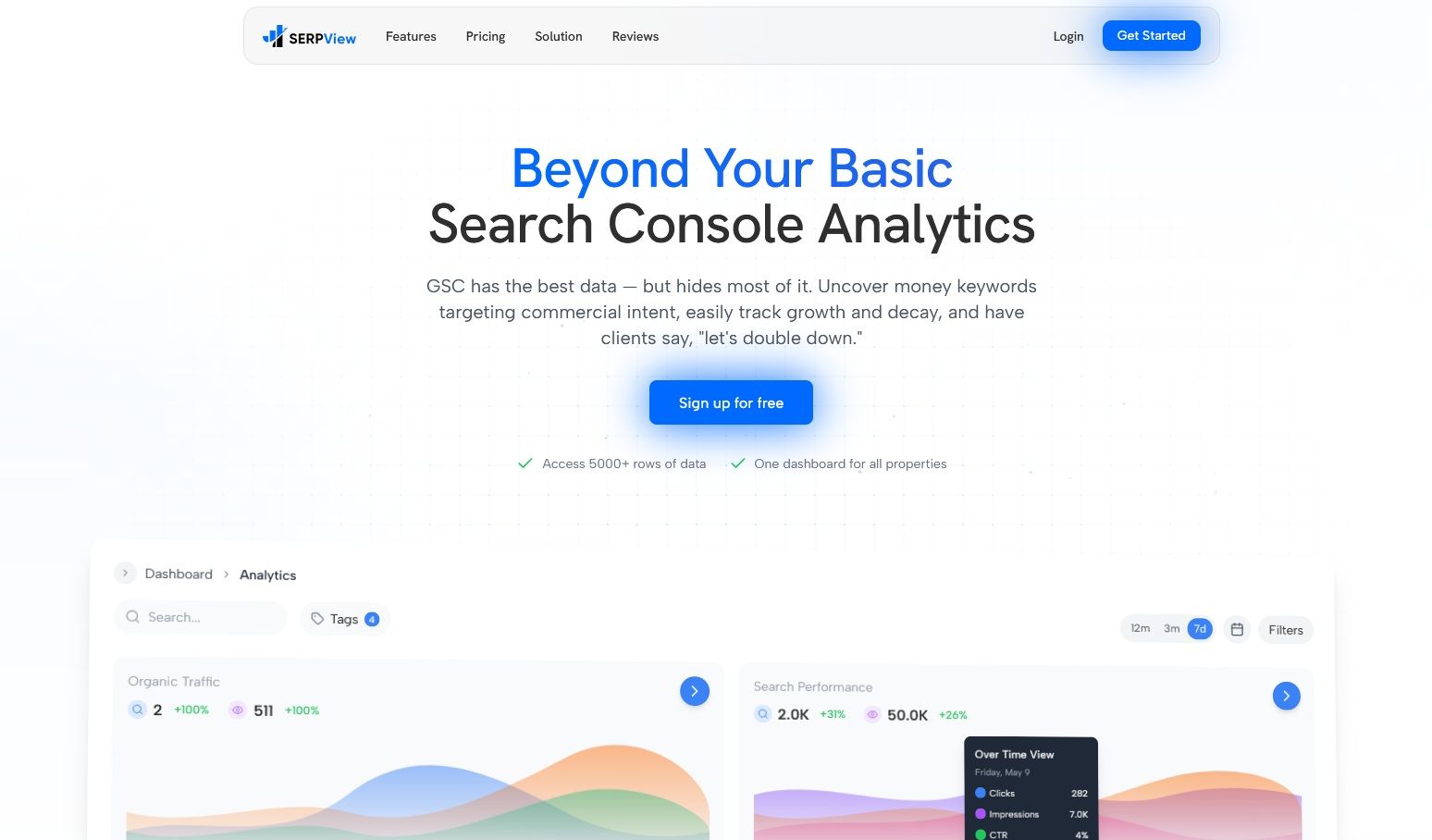
One dashboard for all your Google Search Console properties
Best product for this task

SERPView
analytics
SERPView is an advanced analytics platform designed to dramatically enhance the insights you gain from Google Search Console (GSC). It goes far beyond the limitations of GSC, empowering SEO professionals and digital marketers with a wealth of data and actionable intelligence.
What to expect from an ideal product
- SERPView pulls all your Google Search Console properties into a single interface, so you stop switching between accounts and start spotting trends across your entire site portfolio in minutes.
- Instead of hitting GSC's 16-month data ceiling, SERPView stores historical performance data long-term, letting you track keyword and traffic shifts that standard Search Console simply buries.
- You can compare clicks, impressions, CTR, and rankings across multiple properties side by side, which makes reporting to clients or stakeholders dramatically faster and more accurate.
- SERPView surfaces keyword cannibalization, crawl anomalies, and CTR outliers across all connected properties at once, turning what used to be a manual audit into an automated weekly workflow.
- Teams managing 10, 50, or 200 GSC properties get one shared dashboard with role-based access, removing the messy back-and-forth of exporting CSVs and emailing data between collaborators.

