This task can be performed using Planpoint Viewer
Interactive floor plan selector for real estate: share plans and inventory.
Best product for this task

Planpoint Viewer
marketing
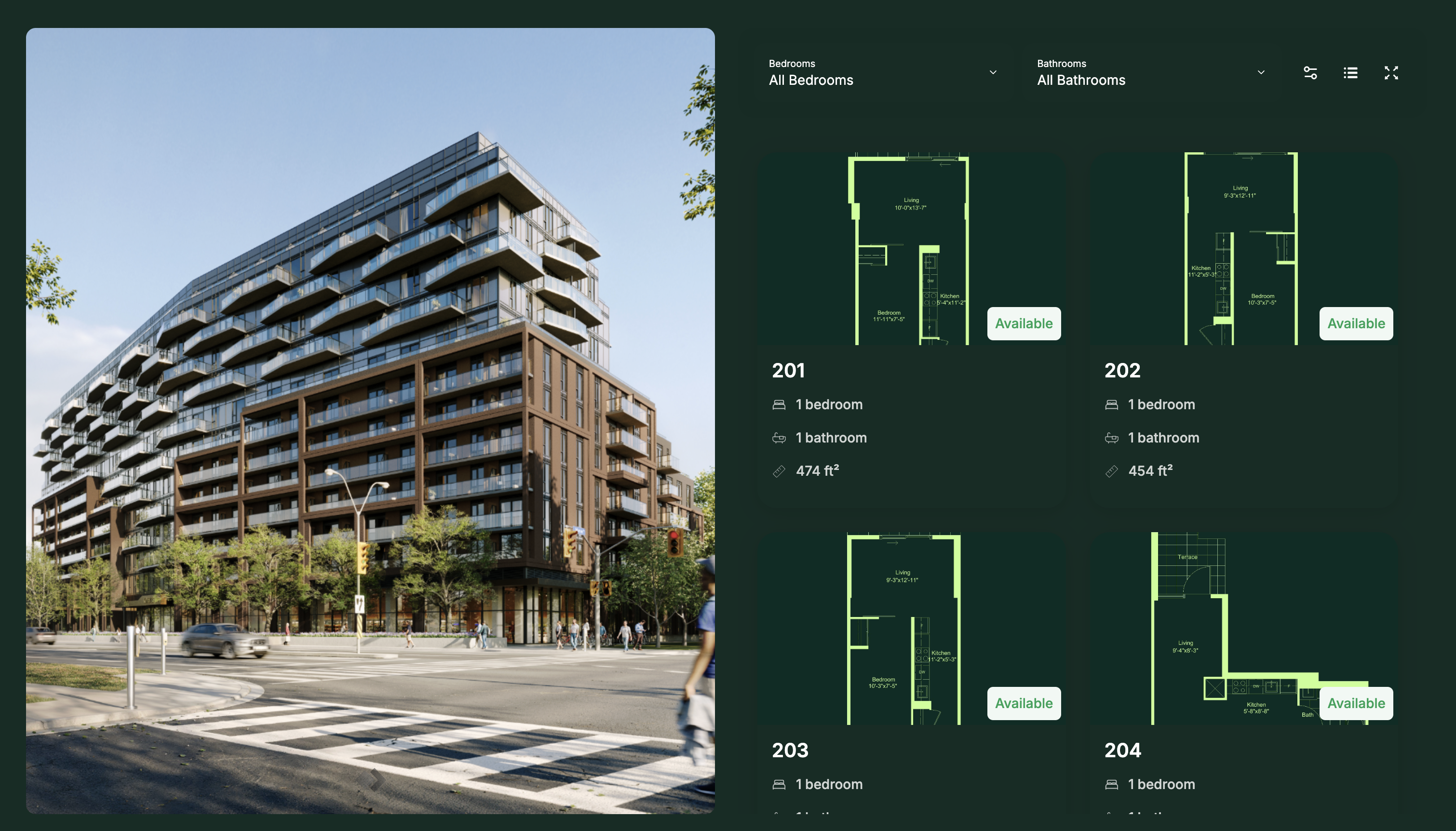
Planpoint Viewer turns static floor plans into an interactive stacking plan prospects can explore in seconds. Embed it on any real estate website and let buyers and renters: • Browse available units at a glance • Filter by price and availability, updated in real time • Picture the space through images, 360° tours, and choice of finishes
What to expect from an ideal product
- Planpoint Viewer converts static PDF floor plans into a live stacking plan embedded directly on your property listing page, so prospects can click any floor or unit without leaving your site.
- Buyers filter available units by price range and occupancy status in real time, cutting the back-and-forth emails agents normally field about "what's still available and at what price."
- Each unit card inside the stacking plan surfaces images, 360° virtual tours, and finish options, giving homebuyers enough detail to shortlist a unit before ever booking a showing.
- Inventory and pricing update automatically inside the viewer, so your listing page never shows a sold unit as available — a common trust-killer in multi-unit real estate marketing.
- Planpoint Viewer embeds on any real estate website without a rebuild, making it a practical tool for developers and brokers who need an interactive floor plan selector live before a project launch date.
More topics related to Planpoint Viewer
Similar topics
- How to embed an interactive floor plan selector on your real estate website to show live unit availability?
- How to set up a real-time unit availability filter on a condo development website?
- How to replace static PDF floor plans with a self-serve interactive viewer that converts more real estate prospects?

