This task can be performed using Productivity OR Dev tools
Productivity OR Dev tools
Best product for this task
Productivity OR Dev tools
dev-tools
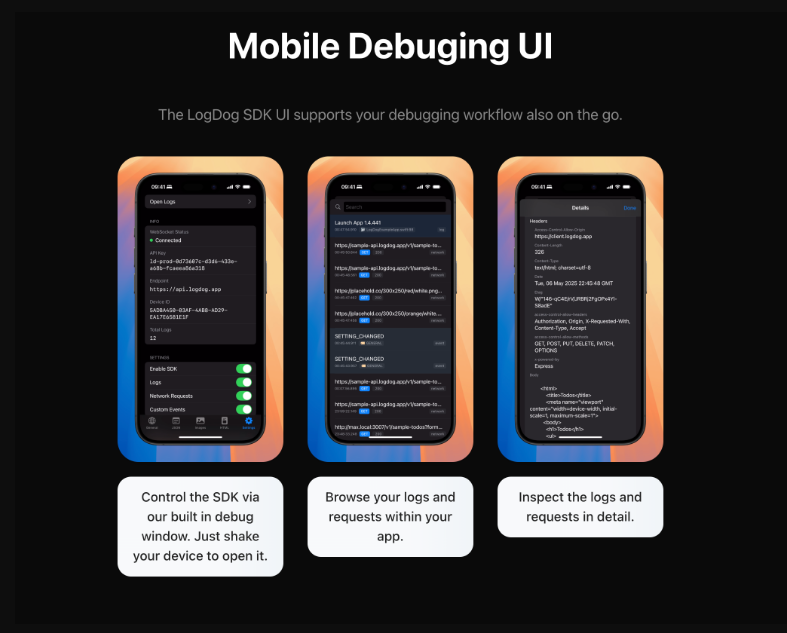
LogDog is a remote debugging/logging SDK (iOS and Android) with a web ui. Captures all logs, requests and events in real-time and allows to intercept them.
What to expect from an ideal product
- Install the LogDog SDK into your mobile app to start capturing all network requests, crashes, and user events automatically
- View real-time logs from your mobile app through LogDog's web dashboard without needing physical device access or USB connections
- Filter and search through captured data using the web interface to quickly find specific errors, API calls, or user actions
- Set up custom alerts and notifications when certain log patterns or errors occur in your mobile app during testing or production
- Export log data and generate reports directly from the web dashboard to share debugging information with your development team

