This task can be performed using Lifo
Run AI-generated code safely in-browser, zero infrastructure required.
Best product for this task

Lifo
dev-tools
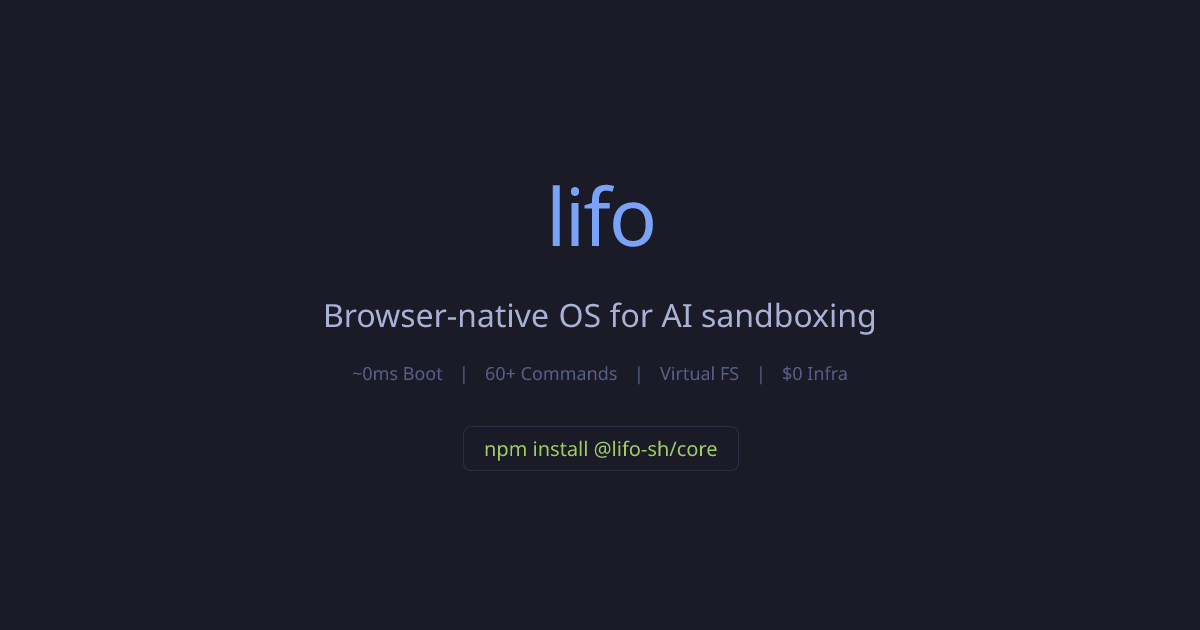
Lifo is a browser-native operating system for safely running AI-generated code directly in the browser with Unix-like APIs. It provides a virtual filesystem, bash-style shell, and Node-compatible shims so agents, tutorials, and IDEs can execute code instantly without cloud infrastructure.
What to expect from an ideal product
- Open your browser and navigate to Lifo - no downloads, installations, or system configuration needed to start running code immediately
- Copy any code snippet from AI chat responses, tutorials, or documentation and paste it directly into Lifo's built-in terminal to execute instantly
- Test multi-file projects and scripts that need file system access using Lifo's virtual file structure without setting up local folders or permissions
- Run Node.js code, bash commands, and system-level operations through Lifo's compatibility layer that mimics a real development environment
- Share running code examples with others by sending a simple browser link instead of asking them to install tools or dependencies

