This task can be performed using Minimax h3
2K AI video with native sound and instruction-based editing
Best product for this task

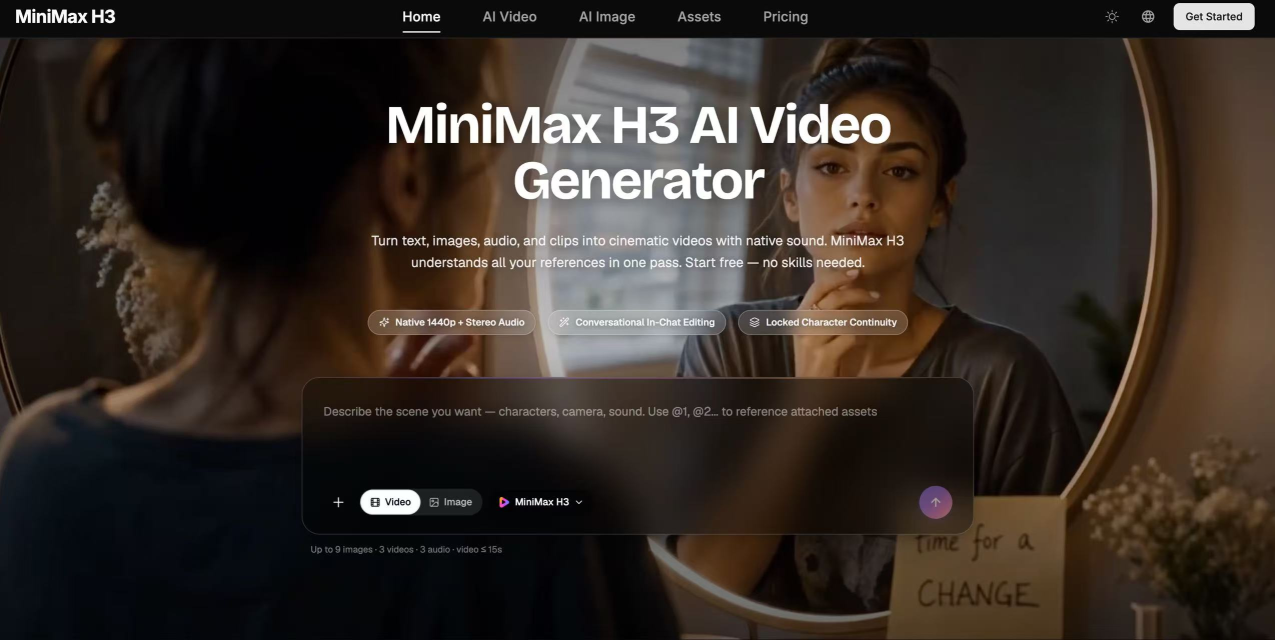
MiniMax H3 is an AI video generator combining multimodal understanding, 2K resolution, native audio, and instruction-based editing in one model.
What to expect from an ideal product
- MiniMax H3 lets you edit AI-generated video by typing plain text instructions, no timeline scrubbing or keyframe adjustments needed.
- The model outputs true 2K resolution video with audio baked in, so you skip the separate voiceover or sound design step entirely.
- Because H3 handles both generation and editing inside one model, you avoid the quality loss that comes from exporting clips into a second tool.
- You can describe a scene change, a mood shift, or a pacing fix in one sentence and H3 applies it directly to the existing footage.
- MiniMax H3 understands visual and audio context together, meaning your text edits affect both what viewers see and what they hear at the same time.

