This task can be performed using BiasGuard
VS Code bias detection for skeptical developers
Best product for this task

BiasGuard
dev-tools
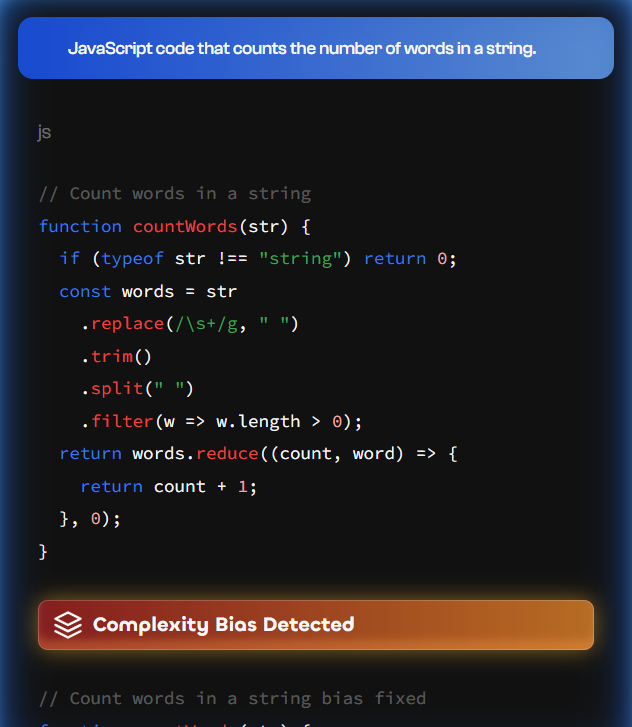
BiasGuard is a VS Code extension that detects bias patterns in code and docs with 96% accuracy, built for AI-skeptical developers who value transparency and community-driven development.
What to expect from an ideal product
- Install BiasGuard extension directly from the VS Code marketplace and it starts scanning your code automatically as you type
- Get real-time alerts when the tool spots potentially biased language in comments, variable names, or documentation right in your editor
- Review detailed explanations for each flagged issue so you understand why certain words or phrases might be problematic
- Access the built-in suggestion engine that offers neutral alternatives for biased terms without slowing down your workflow
- Configure custom bias detection rules through the settings panel to match your team's coding standards and project requirements

