This task can be performed using Craft
New ways to craft your life
Best product for this task
Craft
productivity
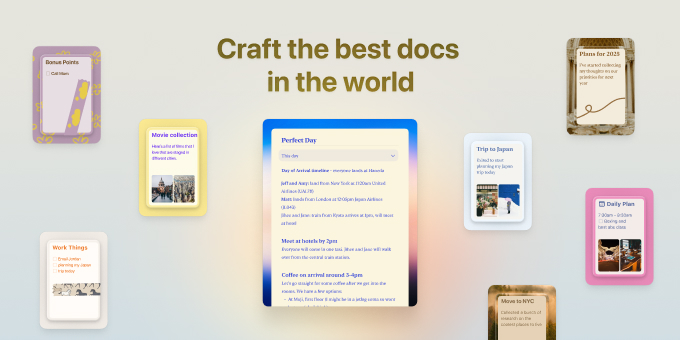
Craft 3 is the most personal version of our app that we've ever created. From quickly capturing and organizing tasks, to building collections, or picking a style for a document. Craft adopts to your personal needs and what you want to achieve using it.
What to expect from an ideal product
- Open the Style panel by tapping the paintbrush icon in the top right corner
- Choose from preset document themes or start with a blank canvas
- Adjust text size, font families, and spacing using the style controls
- Pick custom colors for text, backgrounds, and document elements
- Save your favorite style combinations as personal templates for future use

