This task can be performed using Cursor AI-powered code editor
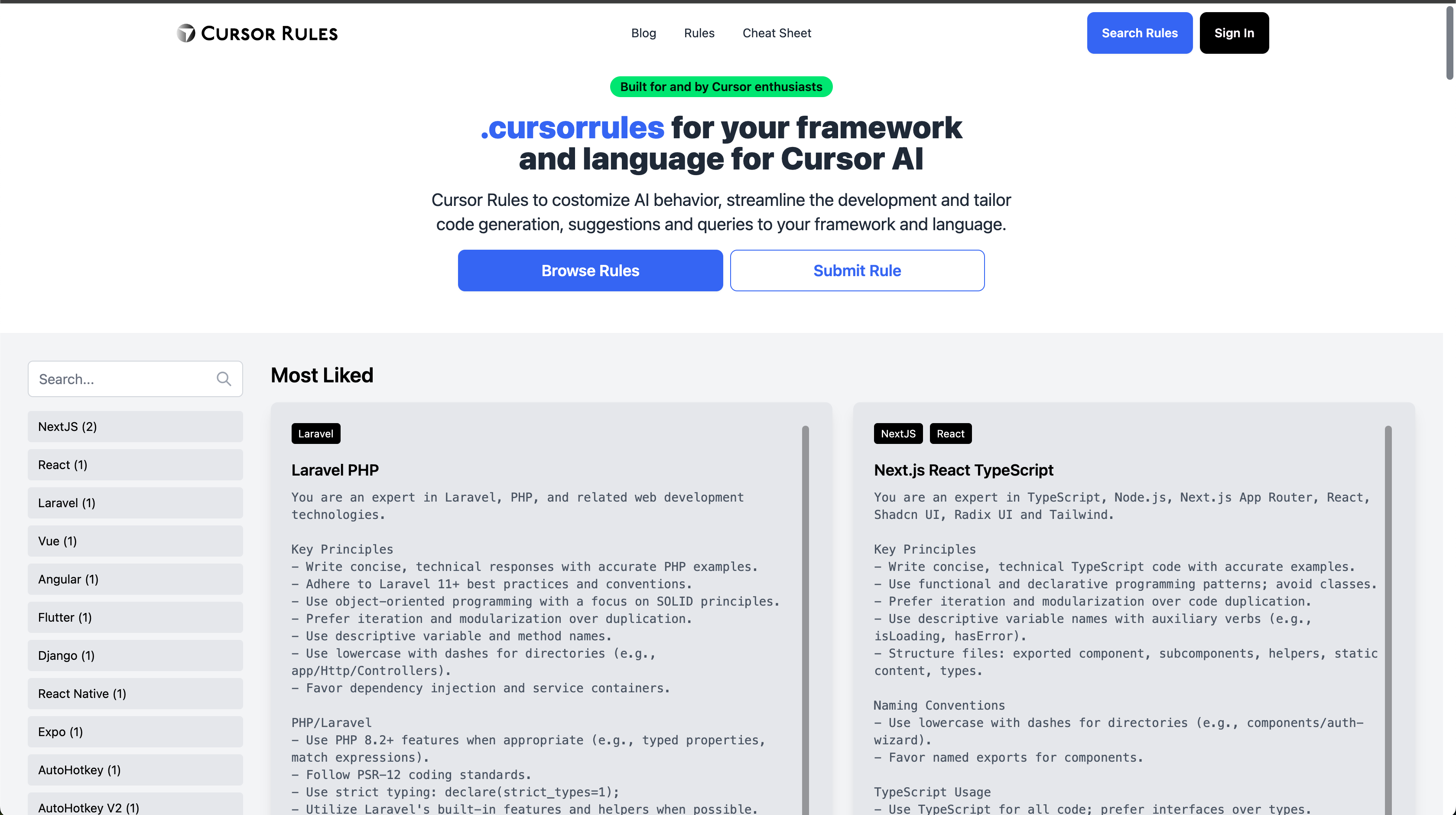
DotCursorRules - Cursor Rules
Best product for this task

Cursor AI-powered code editor
dev-tools
Cursor Rules to costomize AI behavior, streamline the development and tailor code generation, suggestions and queries to your framework and language.
AI-Powered Code EditorCustom Coding RulesDeveloper ProductivityCode AutomationIntelligent Code CompletionFramework-Specific RulesSoftware Development Tools
What to expect from an ideal product
- Use rules.json file in your project root to set custom AI behaviors for different file types
- Configure language-specific prompts to get more relevant code suggestions and completions
- Create templates for common patterns in your favorite frameworks and languages
- Set up custom triggers and shortcuts for frequently used AI commands per language
- Define project-specific conventions and coding standards for consistent AI-assisted development

