This task can be performed using Picyard
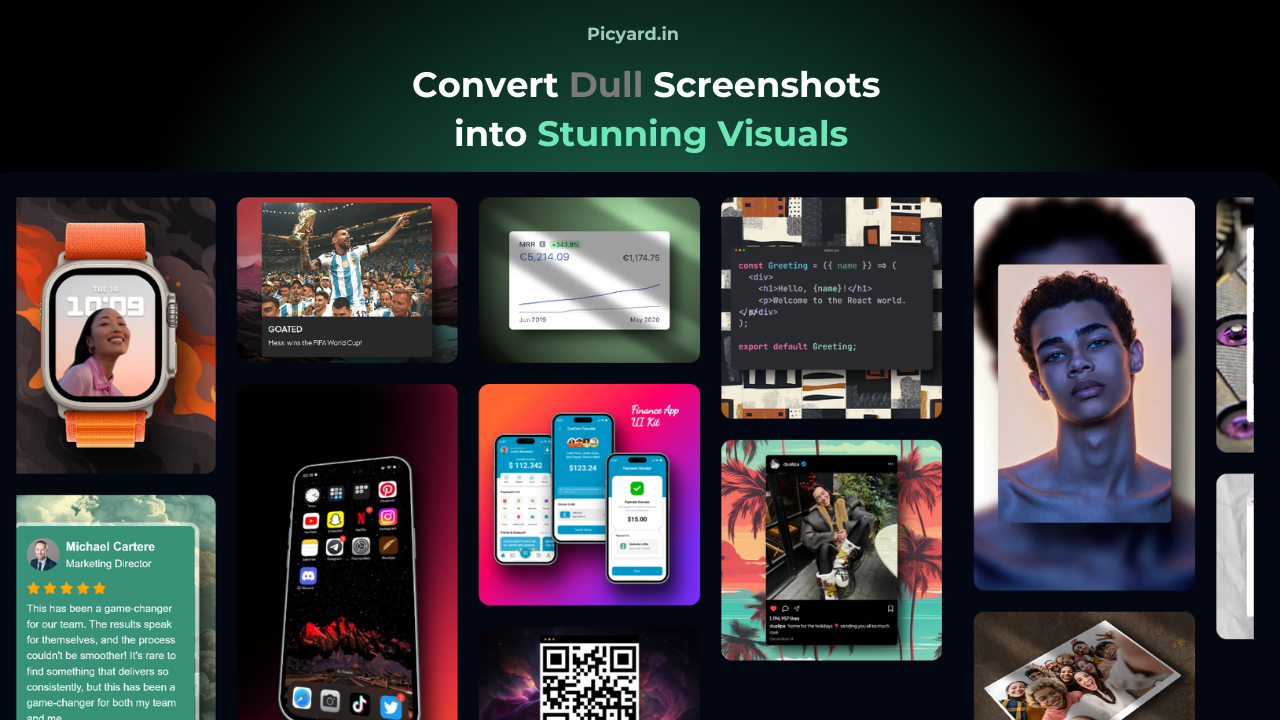
Turn dull screenshots into stunning visuals
Best product for this task

Picyard
social-tools
Capture viewers attention, Effortlessly create device mockups, beautiful code snippets, and polished screenshots in seconds. No design skills needed. Perfect for developers, marketers, and content creators.
screenshot editorscreenshot mockupsdevice mockupscode screenshotsdesign mockupsbeautiful screenshots
What to expect from an ideal product
- Drag and drop your screenshot into ready-made device frames like phones, laptops, and browsers
- Add custom backgrounds, gradients, and shadows with one click
- Pick from a collection of pre-made themes that make your screenshots look polished
- Turn code into beautiful, syntax-highlighted snippets without any formatting work
- Resize and adjust your images quickly without messing with complex editing tools

