This task can be performed using TeachQuill
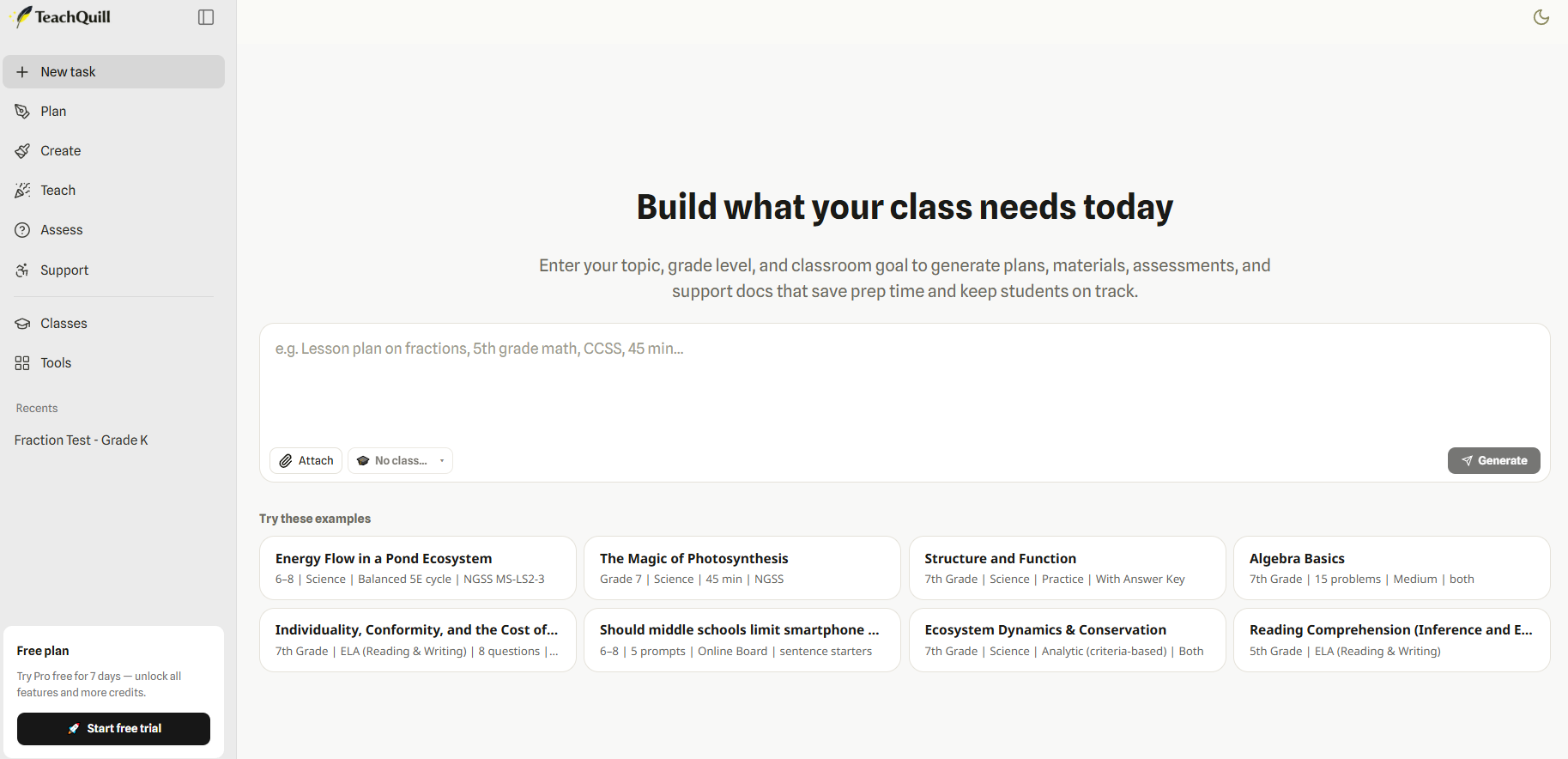
TeachQuill brings everything you need as a teacher into one place
Best product for this task

TeachQuill
edtech
TeachQuill is an AI teaching assistant built for teachers, offering 100+ ready-to-use AI tools for lesson planning, worksheets, quizzes, rubrics, classroom activities, IEP/SPED support, and differentiated instruction. Its AI chat assistant helps teachers choose the right tool based on their needs, generate tailored teaching materials, edit the results online, and export them for classroom use. Key highlights: - 100+ AI tools for teachers - Lesson plans, worksheets, quizzes, rubrics, and classroom activities - AI chat assistant for tool selection and content generation - Online editing for generated results - Export options for classroom use - Support for K–12, ESL/ELL, SPED, and higher education - Standards-aligned teaching resources
What to expect from an ideal product
- TeachQuill's AI chat assistant walks you through selecting the right lesson planning tool from over 100 options based on your specific subject and grade level
- Generate complete lesson plans in minutes by simply describing your topic, objectives, and student needs to the AI assistant
- Use ready-made templates for different lesson types that automatically align with educational standards, saving hours of research and formatting
- Edit and customize AI-generated lesson plans directly in the platform without switching between different apps or documents
- Export finished lesson plans in multiple formats for easy printing, sharing with colleagues, or uploading to your school's learning management system

