This task can be performed using Needle
Automate any process with AI agents
Best product for this task
Needle
ai
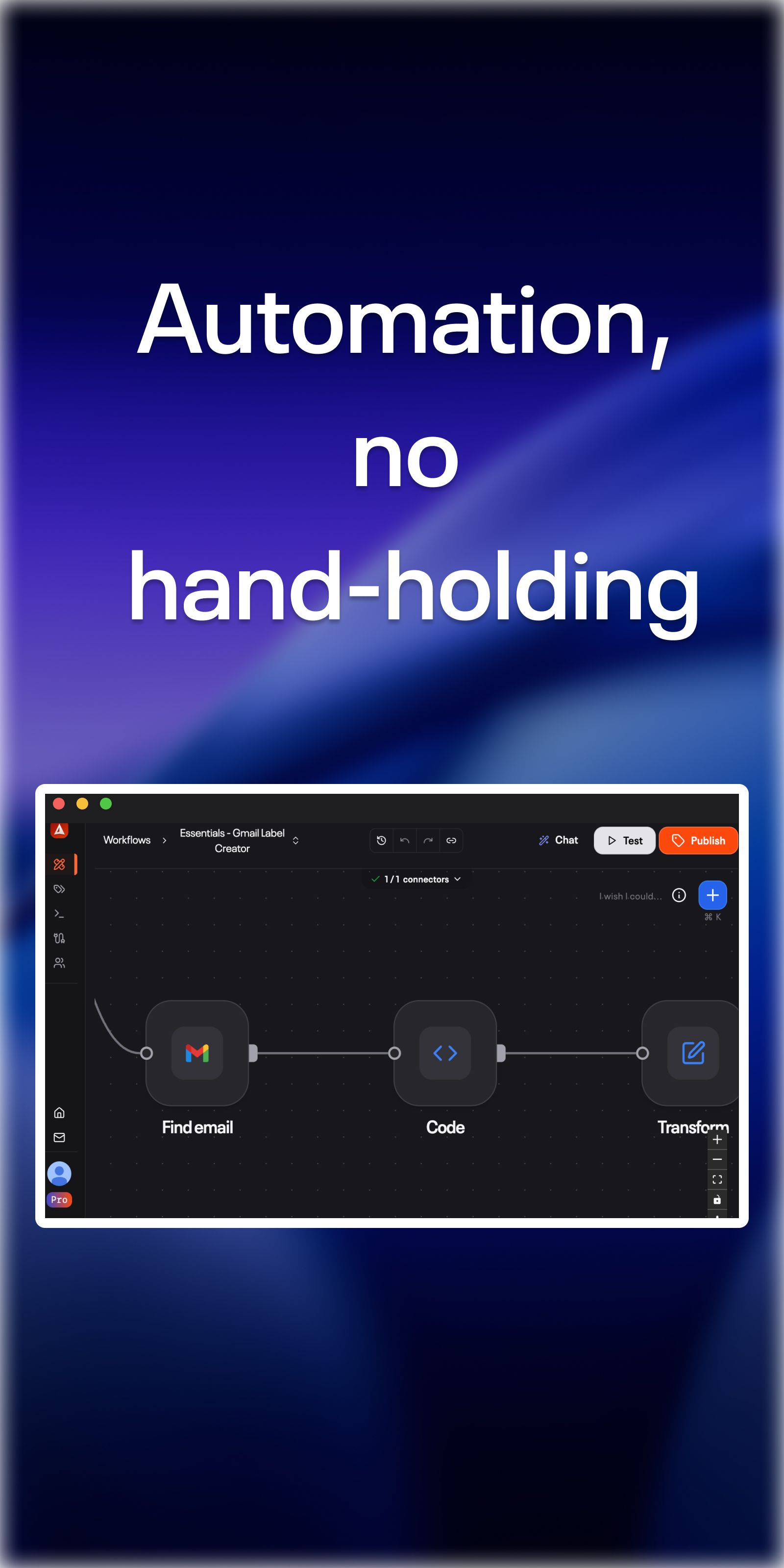
10x your productivity using workflows for your needs. Create AI-powered automations and chat assistants based on your data sources like Google Drive, Notion, Slack.
What to expect from an ideal product
- Connect your Google Drive, Notion, and Slack accounts to Needle in minutes without any technical setup or coding knowledge
- Build custom workflows that automatically move data between these apps, like creating Notion pages from Google Drive documents or sending Slack notifications when files are updated
- Set up AI agents that can read your documents, understand context, and take actions across all three platforms based on triggers you define
- Create chat assistants that pull information from your Google Drive files, Notion databases, and Slack conversations to answer questions and complete tasks
- Design automated processes that run in the background, handling repetitive work like organizing files, updating project status, and routing messages between team members

