This task can be performed using CleanVector
Create professional illustrations, logos, and reusable mascots
Best product for this task

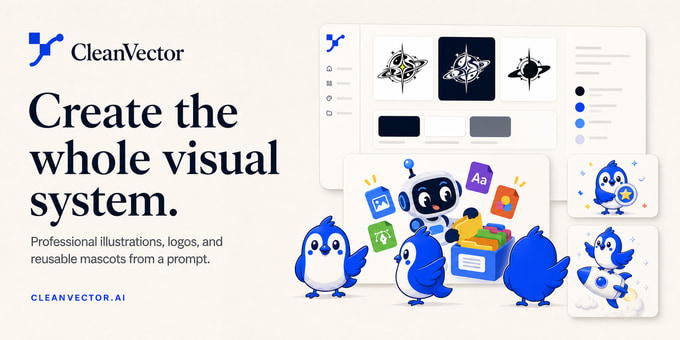
CleanVector is an AI design workspace for creating professional illustrations, logos, icons, and complete visual systems from a prompt. Create a mascot once, then reuse the same character across new scenes, poses, and visual styles while keeping it recognizable. Refine colors and shapes in a focused editor, build complete logo kits, and export production-ready SVG or transparent PNG assets for websites, apps, campaigns, and products. API and MCP access are available for automated workflows.
AI designvector graphicsSVG generatorlogo makerillustrationmascot creatorbackground removalimage vectorizerAPIMCP
What to expect from an ideal product
- CleanVector lets you build a mascot once from a text prompt and drop the same character into new scenes, poses, and campaigns without redrawing anything from scratch.
- Every mascot stays visually consistent across different backgrounds and styles, so your brand character looks the same on a website, app, or product packaging.
- Use the focused color and shape editor to fine-tune your mascot after generation, giving you control over details that matter for brand recognition.
- Export your finished mascot as a transparent PNG or production-ready SVG, ready to paste directly into Figma, a CMS, or a print file.
- Teams running repeated design tasks can connect through the API or MCP access to automate mascot placement across new scenes without opening the editor each time.

