This task can be performed using Kling AI Video
Kling AI Video Generator | Text to Video & Motion Control
Best product for this task
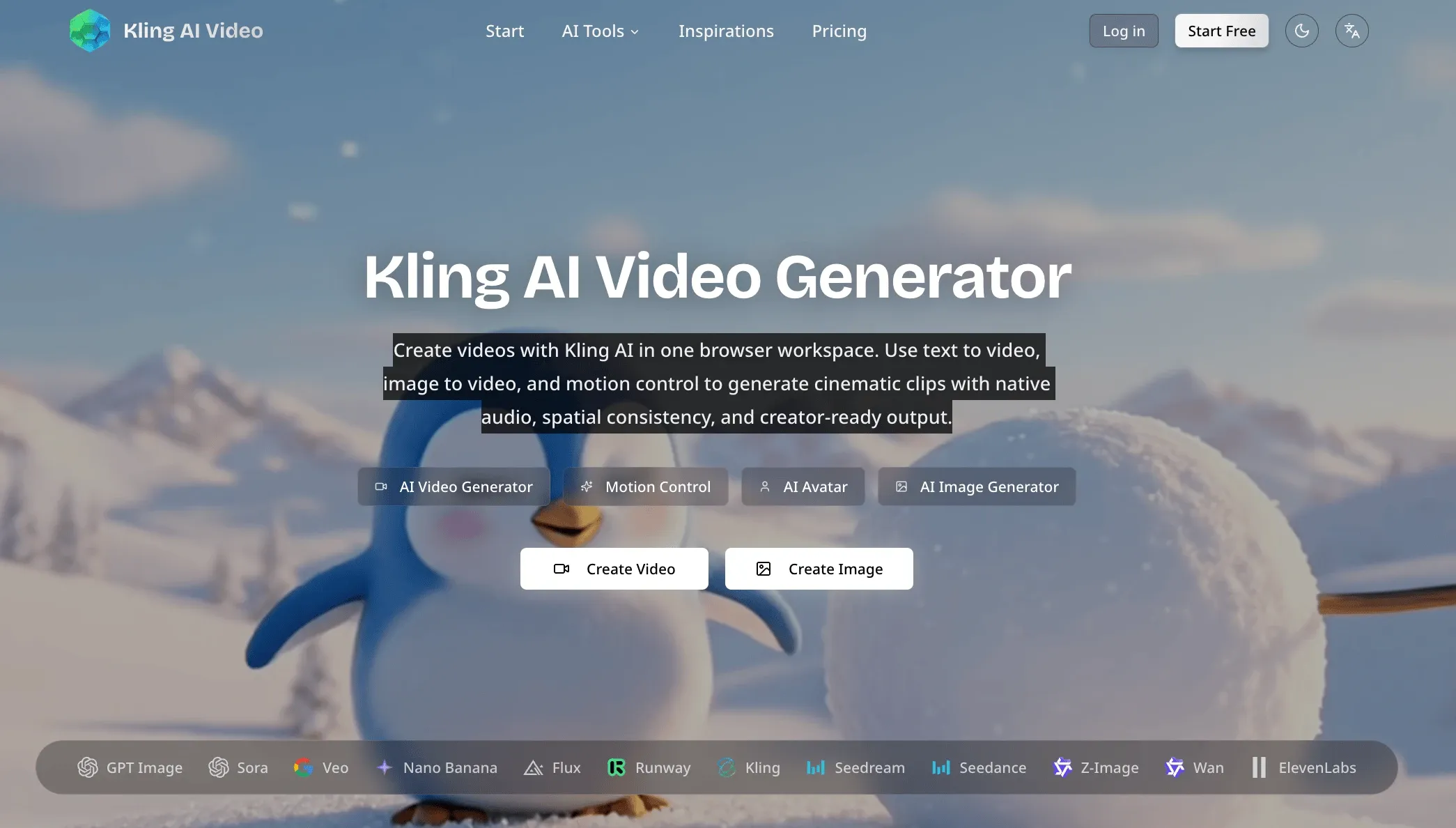
Create Kling AI videos online with text to video, image to video, and motion control. Generate cinematic clips with native audio and spatial consistency in your browser.
AI videotext to videoimage to videomotion controlAI avatarAI image generatornative audio1080pcreative tools
What to expect from an ideal product
- Upload any image to Kling AI Video and set motion directions using simple controls to make static pictures move naturally
- Choose how fast or slow you want different parts of your image to move with the built-in motion strength settings
- Add camera movements like zoom, pan, or rotation to create dynamic video effects from single photos
- Generate smooth transitions between different motion areas in your image without needing video editing skills
- Create videos up to 10 seconds long with consistent motion that looks realistic throughout the entire clip

