This task can be performed using TweetBoost GIF Downloader
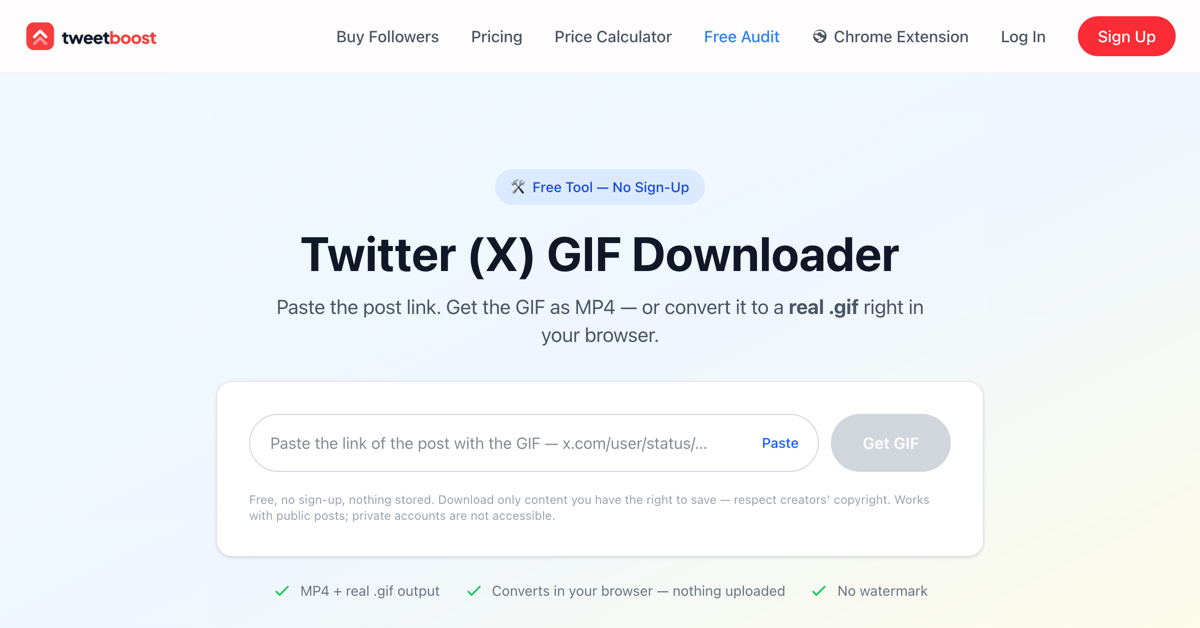
Save Twitter GIFs as MP4 or real .gif — free, no upload
Best product for this task

TweetBoost GIF Downloader
social-tools
Save any Twitter (X) GIF in seconds — as MP4 or a real .gif. Free.
What to expect from an ideal product
- Twitter doesn't offer a native GIF download button, leaving users stuck screenshotting or screen-recording — TweetBoost GIF Downloader fills that gap by pulling the actual file directly from any tweet URL in seconds.
- Unlike browser extensions that require installation or shady sites that demand your login, TweetBoost works without uploads, accounts, or software — just paste the tweet link and get your file.
- Choose between downloading as MP4 (smaller, shareable, works everywhere) or as a true .gif file (looping, embeddable, ready for design tools) — no forced format, no extra conversion step.
- Works on any device with a browser — whether you're on a phone trying to save a meme or on a desktop archiving content for a project, the process is the same: paste, click, download.
- Free with no watermarks added to the output — what you download is the clean, original GIF Twitter was serving, not a compressed or branded copy.

