This task can be performed using Adviserry
Adviserry gives you outcomes, not just content
Best product for this task

Adviserry
productivity
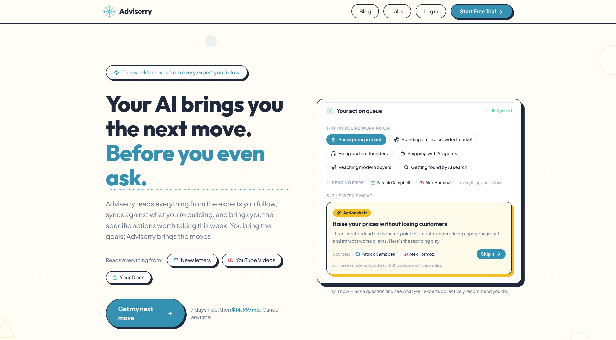
Adviserry give you outcomes, not just content. It reads newsletters and watches YouTube videos from the experts you follow, maps them to your goals, and delivers specific moves to take each week. Adviserry isn't a second brain that just stores what you remembered to capture. Adviserry brings you the moves you should be making on your projects this week, whether you captured it or not. It auto-ingests your subscriptions, builds a searchable archive, and remembers your work to sharpen advice over time. Get proactive daily digests and alerts, chat with your archive, and even query it from Claude Desktop or ChatGPT via MCP.
What to expect from an ideal product
- Adviserry automatically ingests your newsletter subscriptions and YouTube channels so your archive builds itself without manual capture or tagging.
- Once connected via MCP, you can query your full content archive directly inside Claude Desktop or ChatGPT using plain language questions.
- Instead of searching through saved links, you get a ranked answer pulled from creators you already trust and content you already subscribed to.
- Your projects and goals stay on file so the advice you pull from the archive stays relevant to what you are actually working on right now.
- Connecting your archive to Claude Desktop or ChatGPT via MCP takes minutes and turns passive subscriptions into an on-demand expert you can talk to.

