This task can be performed using InstantClaw
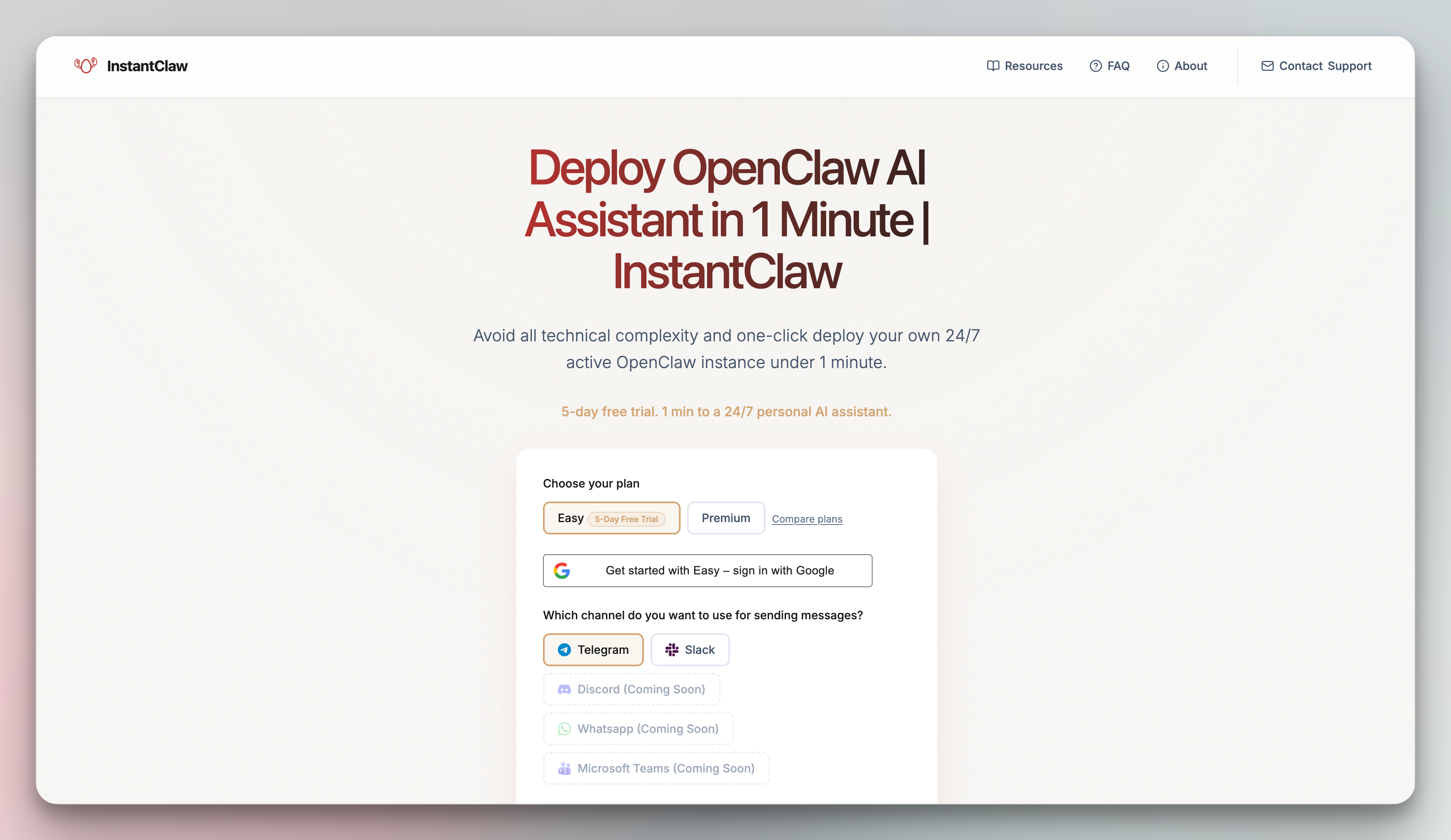
Deploy OpenClaw in 60 seconds
Best product for this task

InstantClaw is one-click managed hosting for OpenClaw, the open-source AI assistant. Pick a plan, sign in with Google, connect Telegram or Slack, and your AI assistant is live on a dedicated VM in under 60 seconds. No terminal, no Docker, no DevOps. Includes DeepSeek or bring your own API key. 5-day free trial. We handle servers, security, and updates.
What to expect from an ideal product
- Sign in with your Google account and pick a hosting plan to get started in seconds
- Connect your Telegram or Slack directly through the web interface with simple click-through setup
- Skip all the technical setup since OpenClaw runs on a ready-to-go virtual machine
- Use the included DeepSeek AI or plug in your own API key through the dashboard
- Get your AI assistant running in under a minute while the platform handles all server management behind the scenes

