This task can be performed using ChooseDistro
A simple way to find the right Linux distribution
Best product for this task

ChooseDistro
oss
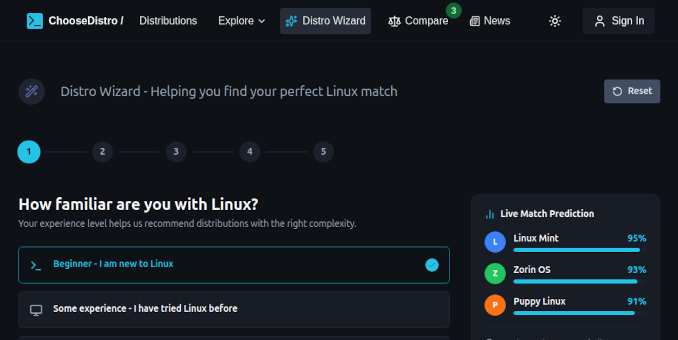
It is a free web tool that helps you pick a Linux distribution that matches what you need. The feature I spent the most time building is the Distro Wizard. It is a multi-step questionnaire that recommends the best distro for your needs. You can also compare distributions up to 3 at a time side-by-side.
What to expect from an ideal product
- Use ChooseDistro's side-by-side comparison tool to view up to 3 Linux distributions at once and see their key differences in one place
- Compare important specs like system requirements, desktop environments, package managers, and target user groups across different distros
- Filter distributions by your specific needs like gaming, programming, or server use before comparing them side by side
- Take the Distro Wizard questionnaire first to get personalized recommendations, then compare your top matches to make the final choice
- Check each distribution's community support, update frequency, and ease of use ratings while viewing them together to pick what works best for you

