This task can be performed using Filly AI
Fill any PDF or Word form in seconds with AI
Best product for this task

Filly AI
productivity
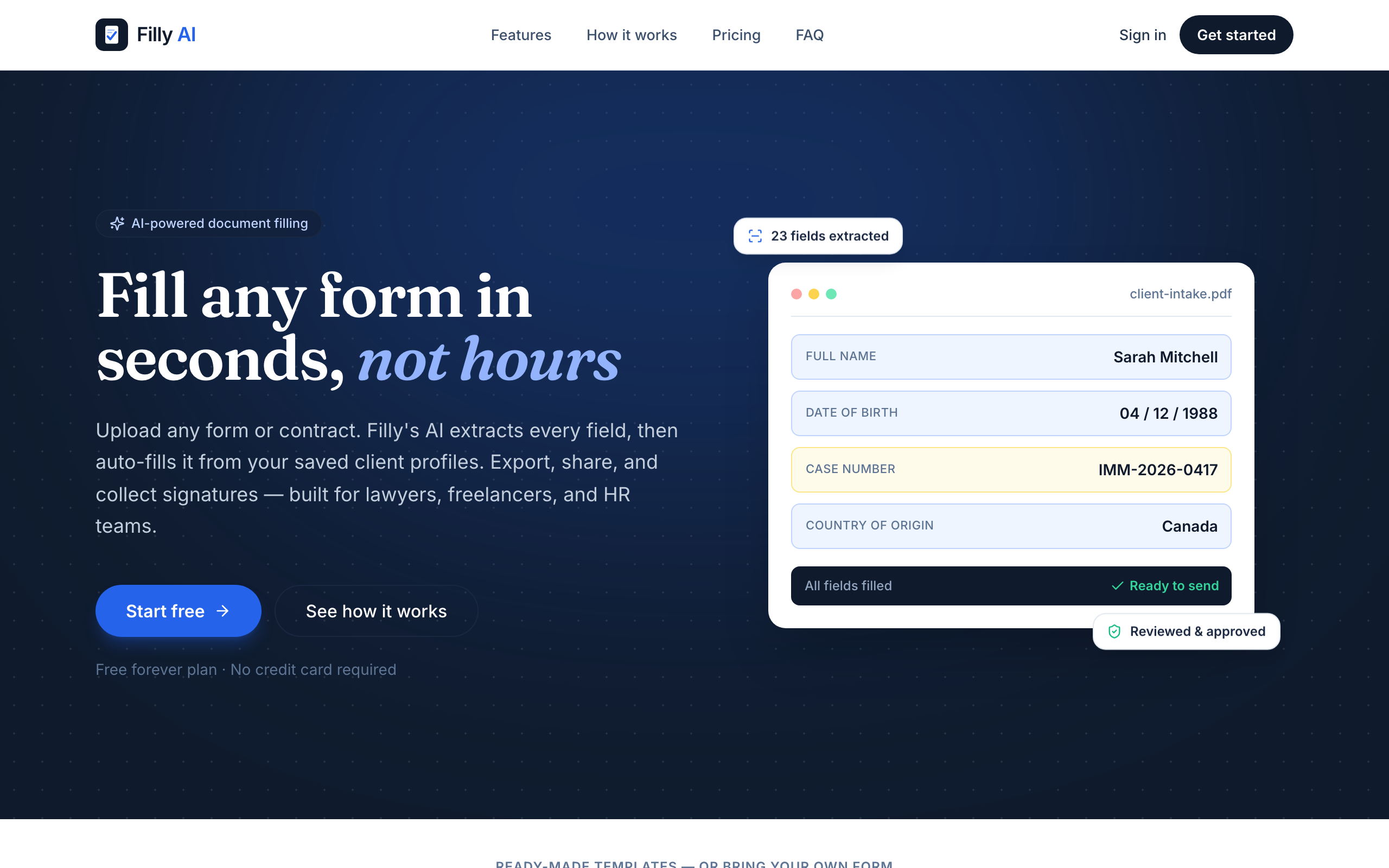
Filly AI reads any PDF or Word form, extracts every field, and autofills it from a saved client profile in seconds. Review and adjust the placement, export a pixel-perfect document, share a no-login link for review, or collect an e-signature with a full audit trail. Includes built-in IRS forms (W-9, W-4, I-9), 25 ready-made templates, and an AI assistant that answers questions while you fill.
What to expect from an ideal product
- Filly AI lets you collect a legally valid e-signature on W-9 and I-9 forms through a no-login shareable link, giving both parties a full audit trail without requiring accounts or software installs.
- Instead of emailing blank PDFs back and forth, Filly AI autofills W-9 and I-9 fields directly from a saved client profile, cutting form completion time from minutes to seconds.
- The audit trail captures every signature event with timestamps and signer details, making your completed W-9 or I-9 defensible for IRS compliance, contractor onboarding, and employment eligibility verification.
- W-9 and I-9 are built into Filly AI as ready-to-use templates, so you skip manual field setup and go straight to filling, reviewing, and sending for signature in one workflow.
- If a signer has questions while reviewing the W-9 or I-9, Filly AI's built-in assistant answers them in context, reducing back-and-forth emails and incomplete form submissions.

