This task can be performed using SearchSavior
Prevents the mistakes that silently kill your best Ad campaigns
Best product for this task

SearchSavior
ads
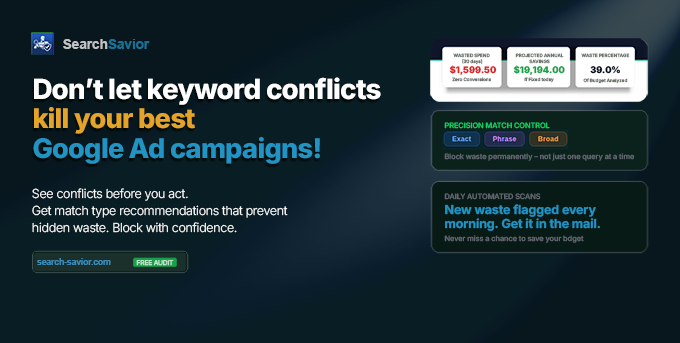
SearchSavior warns you before a negative keyword blocks one of your best-performing queries. It runs a conflict check the moment you act, then recommends the match type that blocks the waste without collateral damage. It also estimates the spend Google won't show you. The safety net for PPC pros who use broader negatives. Free 7-day Pro trial, no card. Or test first: upload a 30-day search terms CSV for a free audit, full report in minutes.
Google AdsPPCNegative KeywordsAd OptimizationBudget ProtectionPPC AutomationGoogle Ads ToolSearch AdsAd SpendCampaign Management
What to expect from an ideal product
- Before adding a negative keyword, run a conflict check to see exactly which converting search terms it would block across your active campaigns.
- SearchSavior catches match type mistakes that Google never flags, so a broad negative does not silently kill a query that already drives conversions.
- Upload your 30-day search terms CSV and get a free audit in minutes showing every negative keyword conflict hiding in your account right now.
- The tool recommends the safest match type for each negative, so you cut wasted spend without pulling the rug on your best-performing queries.
- PPC managers using broader negatives at scale use SearchSavior to estimate the hidden spend Google omits from its own conflict warnings before any change goes live.

