This task can be performed using Remio
Your Personal AI Assistant
Best product for this task

Remio
ai
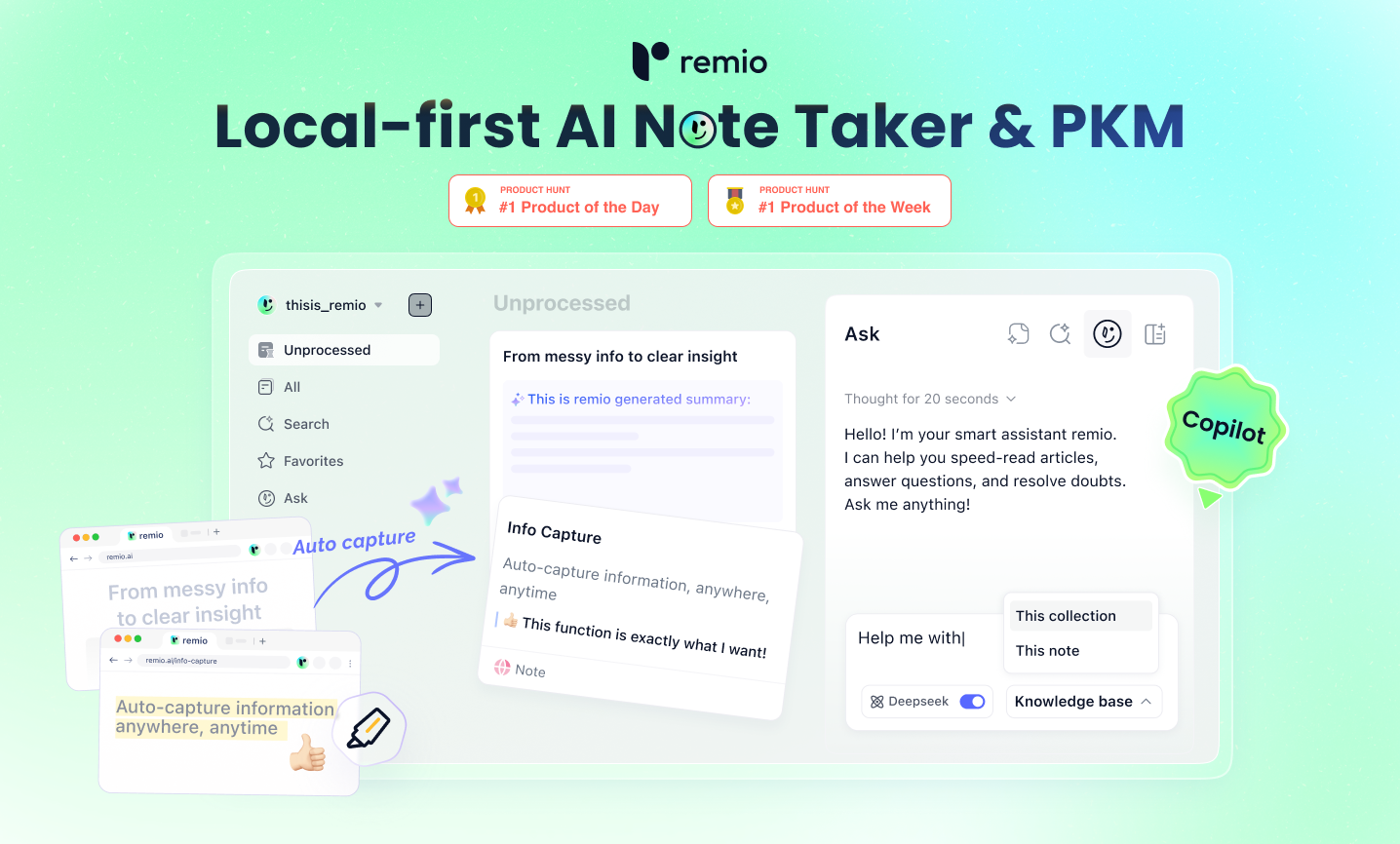
Remio is an AI assistant based on your personal knowledge management , designed to revolutionize the way users capture, organize, and utilize information. By integrating intelligent search capabilities with seamless note-taking features, remio helps users streamline their workflow and enhance productivity.
What to expect from an ideal product
- Use remio's smart search to find any piece of information across all your notes in seconds, even if you can't remember the exact words you used
- Set up quick capture shortcuts that let you save ideas, meeting notes, and important details directly into remio while you're working on other tasks
- Let remio's AI organize your scattered notes automatically so you can focus on writing instead of filing and categorizing everything manually
- Ask remio questions about your stored information and get instant answers pulled from multiple documents, saving you from digging through folders
- Create a personal knowledge hub where remio learns your work patterns and suggests relevant notes and documents before you even search for them

