This task can be performed using VisualSitemaps
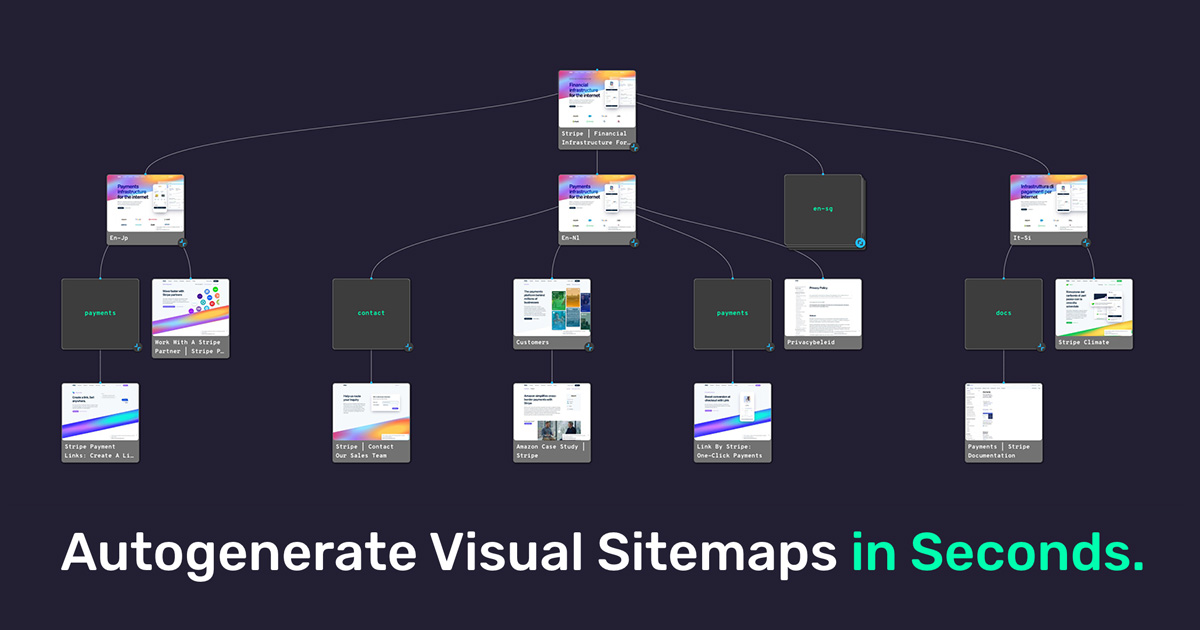
Autogenerate VisualSitemaps in Seconds. Plan Content. Create Flows.
Best product for this task

VisualSitemaps
analytics
Generate visual sitemaps + screenshots for live & staging websites. Run Audits > Plan Content > Create Flows for SEO, UX, and Competitor Analysis.
What to expect from an ideal product
- Takes full-page screenshots of every webpage automatically when you enter the site URL
- Organizes captured screenshots into a visual sitemap showing the website structure
- Lets you add notes and annotations directly on screenshots for UX feedback
- Creates clickable paths to track user flows and navigation patterns
- Saves everything in one place so you can compare websites and track changes over time

