This task can be performed using Kosmik
Next-Gen AI Browser for Visual Research and Notetaking
Best product for this task

Kosmik
ai
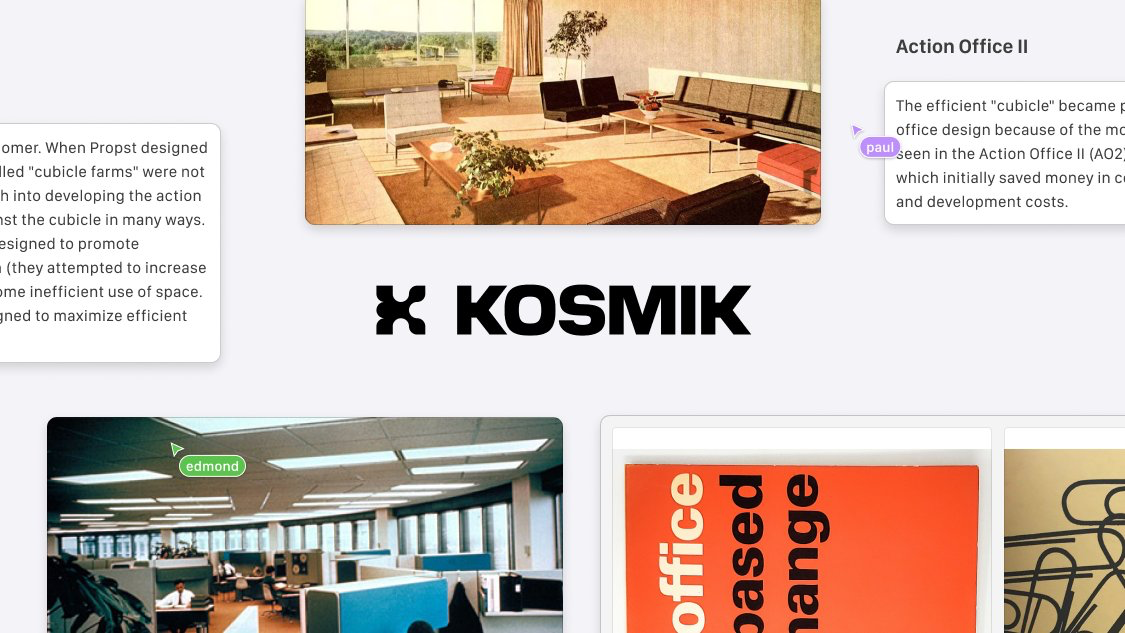
Kosmik is the best browser for visual research and notetaking. The single platform to browse, capture, and organize your knowledge. - Browse smarter: Save anything in 1 click - AI-powered Canvas for visual organization - Loved by creatives and founders Your one-stop-shop for research.
What to expect from an ideal product
- Kosmik lets you save web pages, images, and notes in one click directly into a visual canvas, no copy-pasting or tab-hopping required.
- Instead of juggling Notion, Pinterest, and your browser separately, Kosmik combines browsing and organizing into a single workspace built for visual thinkers.
- The AI-powered canvas automatically helps you cluster and connect ideas, so your research stays structured without manual sorting.
- Founders and creatives use Kosmik to go from raw browsing to organized moodboards or market research without ever leaving the app.
- Every piece of content you capture stays linked to its source, so you never lose context or spend time retracing where a reference came from.

