This task can be performed using Picmal
Image converter for Mac
Best product for this task

Picmal
tech
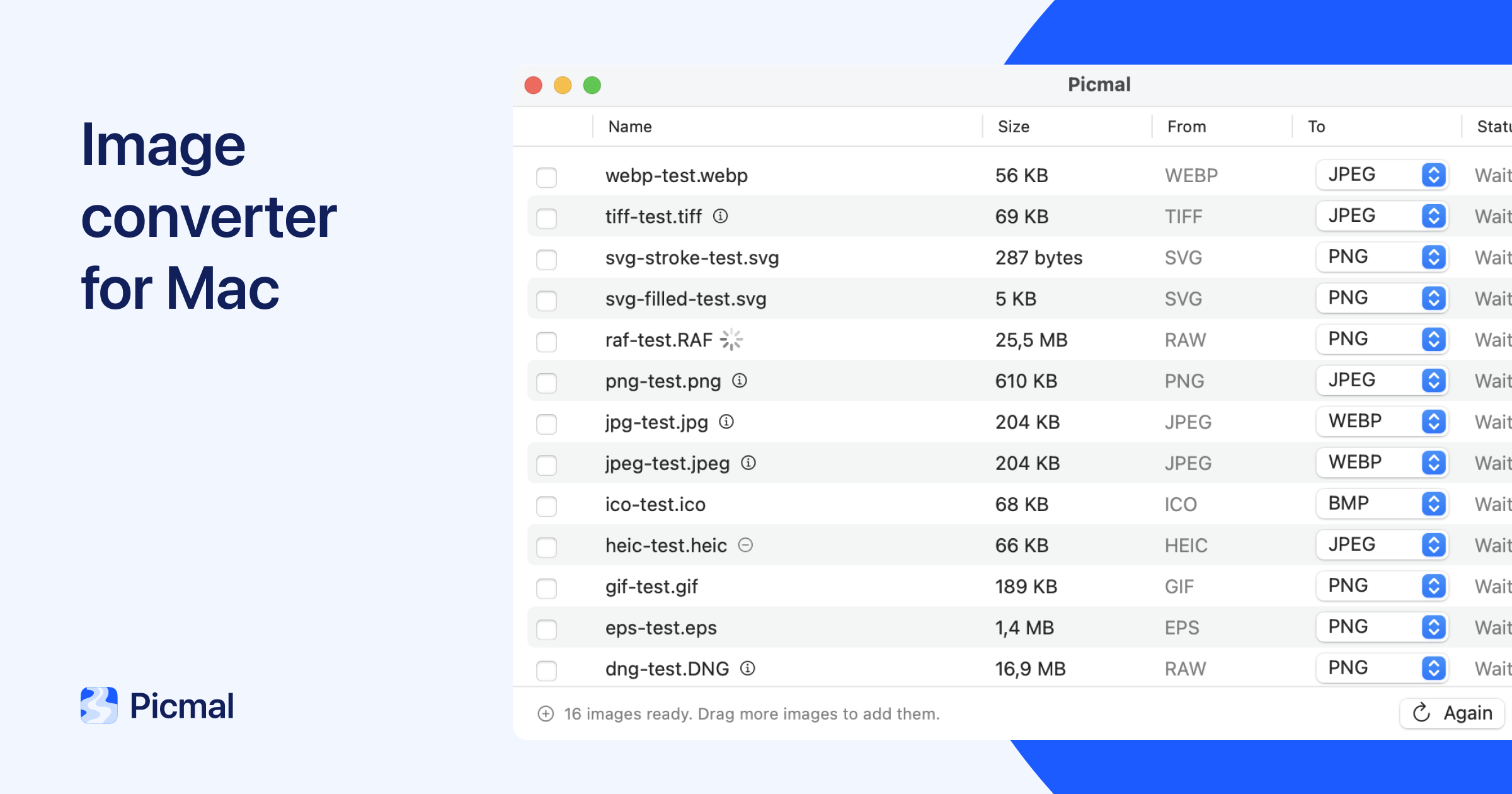
Picmal makes image conversion simple. Convert batches of images between formats, entirely offline on your Mac—fast and private.
What to expect from an ideal product
- Convert multiple images at once instead of handling them one by one, saving hours of repetitive work
- Works completely offline so your photos never leave your Mac, keeping personal images secure from cloud services
- Supports all major formats like JPEG, PNG, HEIC, and TIFF without needing separate tools for each type
- Processes images directly on your Mac's hardware for much faster conversion than online tools
- Simple drag-and-drop interface lets you convert entire folders of images in just a few clicks

