This task can be performed using LucideAnimated
Bring your icons to life with smooth Lucide animations.
Best product for this task
LucideAnimated
ui-ux
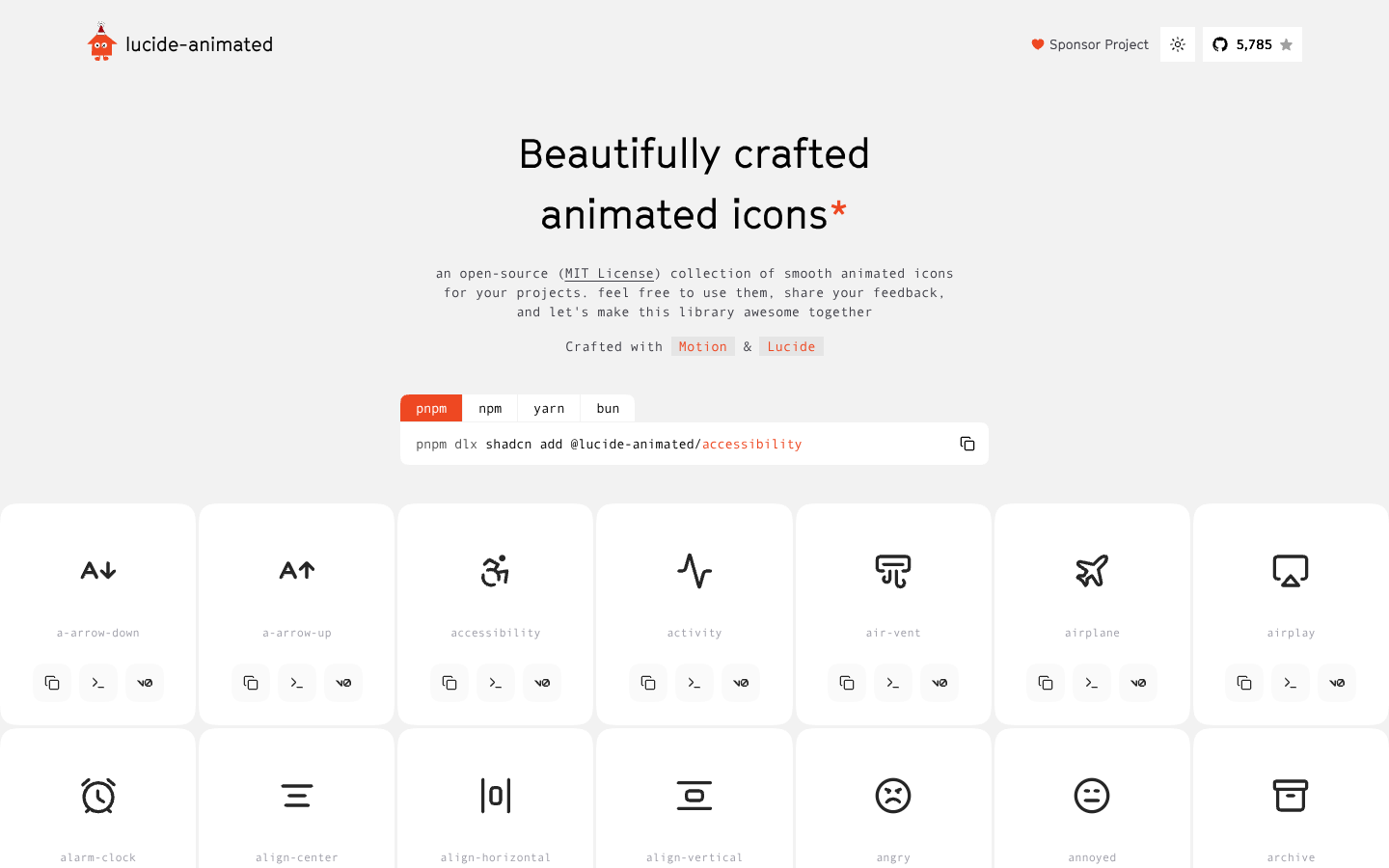
Lucide Animated is an MIT-licensed library of smooth animated icons built on Lucide, ready for modern web interfaces and design systems. Developers can quickly integrate polished motion into dashboards, UI states, and product experiences using familiar JavaScript package managers.
What to expect from an ideal product
- Install LucideAnimated through npm or yarn to get access to hundreds of smooth animated icons that work across all modern browsers and frameworks
- Drop animated icons directly into your React, Vue, or vanilla JavaScript components using simple import statements without writing custom CSS animations
- Replace static dashboard icons with animated versions that respond to user interactions like hover states, loading processes, and status changes
- Customize animation timing, colors, and sizes through straightforward props while maintaining crisp vector quality at any scale
- Use built-in animation triggers to show progress indicators, button states, and micro-interactions that guide users through your interface

