This task can be performed using Admix
A mix of the best AI Models and Tools in one place.
Best product for this task

Admix
ai
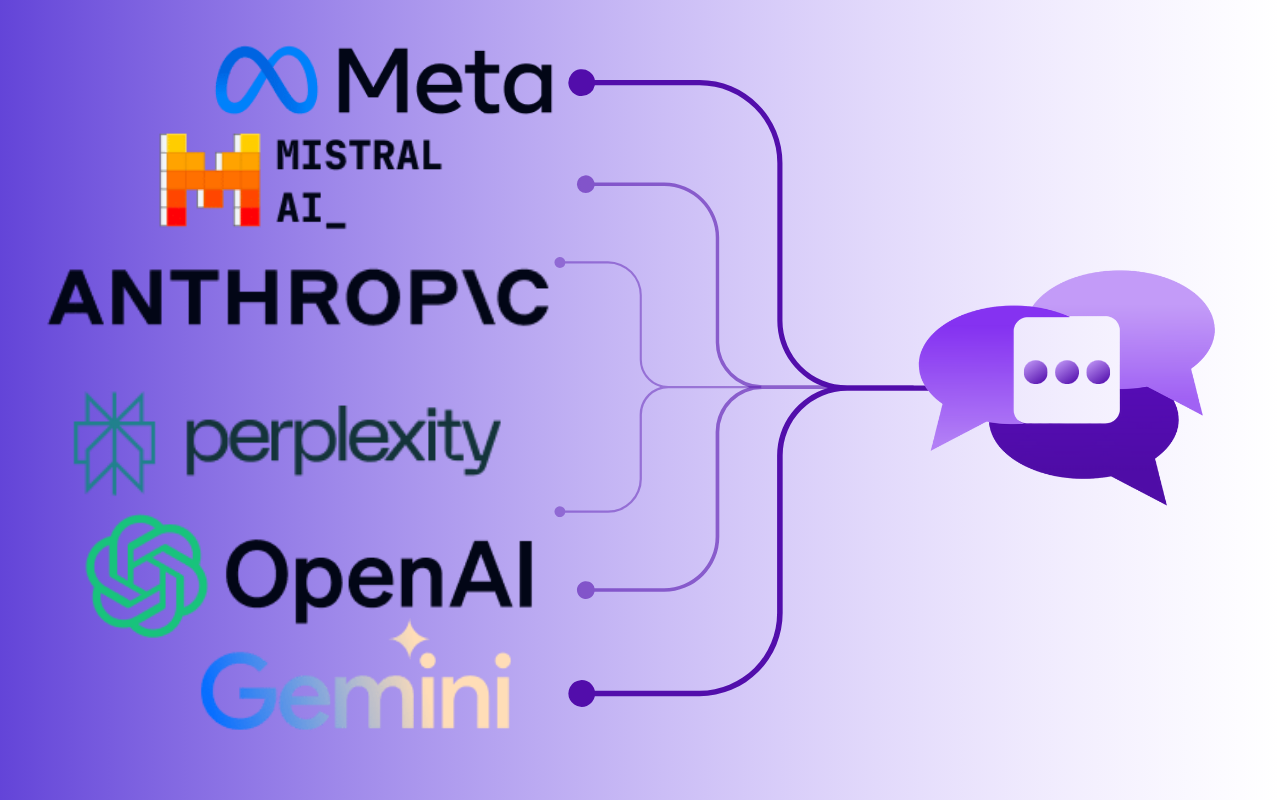
Admix consolidates top AI Models and AI-powered capabilities into a single, seamless extension that will bring AI into all parts of your work. Forget the hassle of managing a cluttered browser – Admix got it all in one place.
What to expect from an ideal product
- Opens a simple sidebar in your browser to use different AI tools without leaving your current tab
- Shows ChatGPT, Claude, Bard and other AI models in one unified view
- Lets you chat with multiple AI assistants at the same time
- Saves your chat history and settings in one place instead of jumping between websites
- Quickly switches between AI models with a single click while staying on your work page

