This task can be performed using EmojiSpark
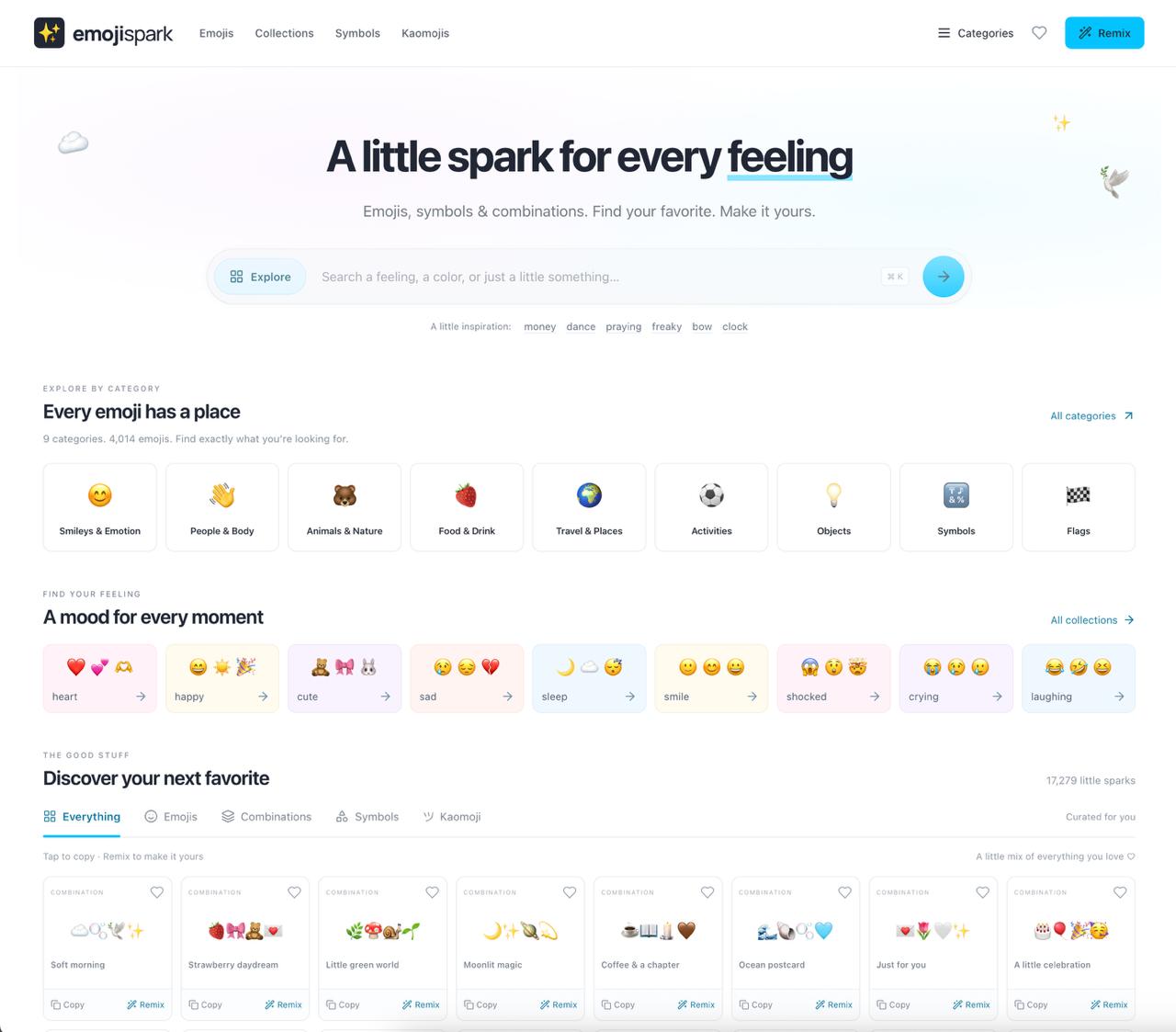
A little spark for every feeling
Style Discord Profiles and Statuses
This is for Discord users who want a profile bio, About Me section, or status to feel more personal without creating graphics. Templates using symbols and text art provide a quick starting point for a mood, fandom, joke, or aesthetic.
Choose a design that fits the available space, copy it, then adjust the words, emoji, and spacing. A good result stays readable in Discord, communicates the intended tone quickly, and still looks intentional on both desktop and mobile.
Best product for this task
EmojiSpark
social-tools
EmojiSpark is a curated emoji discovery site for finding, copying, and remixing expressive emoji combinations, symbols, and text art to match any mood, aesthetic, or message.
emoji databasecombination studiosymbol galleryemoji librarydigital stickerssocial captionsvisual messagingaesthetic content
What to expect from an ideal product
- Discord-compatible characters
- Readable profile-sized designs
- Fast copy and paste workflow
- Flexible emoji and symbol remixing
- Varied moods and aesthetics
More about Discord formatting
- Paste the template into Discord before finalizing it, since spacing and line breaks may render differently.
- Use a combination studio to replace decorative elements while preserving the template structure.
- Keep a shorter fallback version for statuses or profile fields with tighter character limits.

